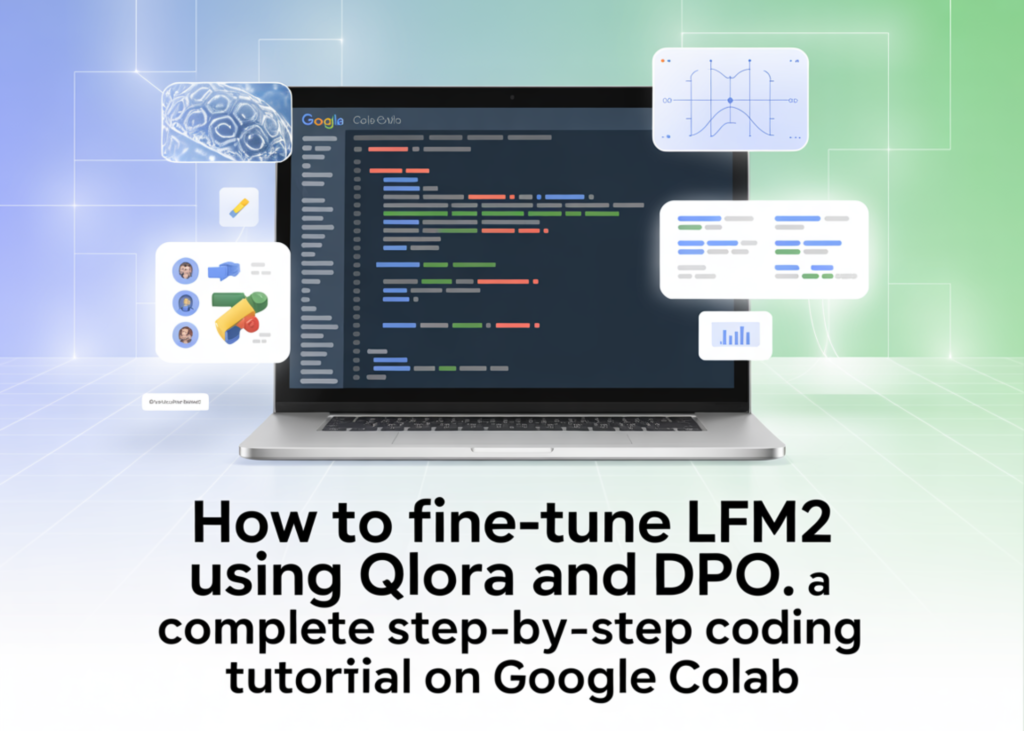
For creators and developers, the ability to customise Liquid AI’s LFM2 model without needing a supercomputer is a significant shift in accessibility. This guide walks through a practical, open-source workflow to take the base 1.2B parameter model and align it to your specific needs using Google Colab. We cover loading the checkpoint via QLoRA, training a chat-style adapter, and applying Direct Preference Optimisation (DPO) to refine how the model responds to complex queries.
The Setup
We begin by installing the necessary libraries within the Colab environment. This includes transformers, trl for training, peft for parameter-efficient fine-tuning, and bitsandbytes for memory efficiency. The script detects available GPU resources and sets the data type to bfloat16 if supported, otherwise falling back to float16.
!pip install -q -U "transformers>=4.55" "trl>=0.12" "peft>=0.13" "datasets>=2.20" "accelerate>=0.34" bitsandbytes


import torch, gc
from datasets import load_dataset, Dataset
from transformers import AutoModelForCausalLM, AutoTokenizer, BitsAndBytesConfig
from peft import LoraConfig, PeftModel, prepare_model_for_kbit_training
from trl import SFTConfig, SFTTrainer, DPOConfig, DPOTrainer


MODEL_ID    = "LiquidAI/LFM2-1.2B"
USE_4BIT    = True
RUN_DPO     = True
SFT_SAMPLES = 500
SFT_STEPS   = 60
DPO_STEPS   = 40
MAX_LEN     = 1024


BF16 = torch.cuda.is_available() and torch.cuda.is_bf16_supported()
DTYPE = torch.bfloat16 if BF16 else torch.float16
assert torch.cuda.is_available(), "No GPU detected, set Runtime > Change runtime type > GPU"
print(f"GPU: {torch.cuda.get_device_name(0)} | dtype={DTYPE} | 4bit={USE_4BIT}")
Initialising the Model
The script loads the base LFM2 model with 4-bit quantisation to keep GPU memory usage low. A chat template function is defined to handle system prompts and user inputs, allowing us to test the baseline performance before any modifications are made.
def load_base(four_bit: bool):
   quant_cfg = None
   if four_bit:
       quant_cfg = BitsAndBytesConfig(
           load_in_4bit=True,
           bnb_4bit_quant_type="nf4",
           bnb_4bit_use_double_quant=True,
           bnb_4bit_compute_dtype=DTYPE,
       )
   model = AutoModelForCausalLM.from_pretrained(
       MODEL_ID,
       device_map="auto",
       dtype=DTYPE,
       quantization_config=quant_cfg,
   )
   model.config.use_cache = False
   return model


tokenizer = AutoTokenizer.from_pretrained(MODEL_ID)
if tokenizer.pad_token is None:
   tokenizer.pad_token = tokenizer.eos_token


model = load_base(USE_4BIT)


@torch.no_grad()
def chat(m, user_msg, system=None, max_new_tokens=200):
   msgs = ([{"role": "system", "content": system}] if system else []) + \
          [{"role": "user", "content": user_msg}]
   inputs = tokenizer.apply_chat_template(
       msgs,
       add_generation_prompt=True,
       return_tensors="pt",
       tokenize=True,
       return_dict=True,
   ).to(m.device)
   m.config.use_cache = True
   out = m.generate(
       **inputs,
       max_new_tokens=max_new_tokens, do_sample=True,
       temperature=0.3, min_p=0.15, repetition_penalty=1.05,
       pad_token_id=tokenizer.pad_token_id,
   )
   m.config.use_cache = False
   prompt_len = inputs["input_ids"].shape[-1]
   return tokenizer.decode(out[0, prompt_len:], skip_special_tokens=True)


PROBE = "Explain what makes the LFM2 architecture good for on-device AI, in 2 sentences."
print("\n=== BASELINE (before fine-tuning) ===\n", chat(model, PROBE))
Supervised Fine-Tuning with LoRA
We load a chat-formatted dataset from HuggingFaceTB and extract only the message columns. A LoRA configuration is applied to train lightweight adapters on the linear layers of the model. The training process runs for 60 steps, after which the model is tested again to demonstrate the improvement in instruction following.
sft_ds = load_dataset("HuggingFaceTB/smoltalk", "all", split=f"train[:{SFT_SAMPLES}]")
sft_ds = sft_ds.select_columns(["messages"])
print("\nSFT example messages:", sft_ds[0]["messages"][:2])


lora_sft = LoraConfig(
   r=16, lora_alpha=32, lora_dropout=0.05, bias="none",
   task_type="CAUSAL_LM", target_modules="all-linear",
)


sft_cfg = SFTConfig(
   output_dir="outputs/sft/lfm2_demo",
   max_length=MAX_LEN,
   per_device_train_batch_size=2,
   gradient_accumulation_steps=4,
   learning_rate=2e-5,
   warmup_ratio=0.03,
   lr_scheduler_type="cosine",
   max_steps=SFT_STEPS,
   logging_steps=10,
   save_strategy="no",
   gradient_checkpointing=True,
   gradient_checkpointing_kwargs={"use_reentrant": False},
   bf16=BF16, fp16=not BF16,
   optim="paged_adamw_8bit" if USE_4BIT else "adamw_torch",
   packing=False,
   report_to="none",
)


sft_trainer = SFTTrainer(
   model=model,
   args=sft_cfg,
   train_dataset=sft_ds,
   peft_config=lora_sft,
   processing_class=tokenizer,
)
sft_trainer.train()
sft_trainer.save_model("outputs/sft/lfm2_adapter")
print("\n=== AFTER SFT ===\n", chat(sft_trainer.model, PROBE))
Merging the Adapter
To prepare for the next stage, we clear the training objects from memory to free up GPU space. The base model is reloaded in full precision, and the trained LoRA adapter is merged directly into the weights. This creates a standalone checkpoint ready for preference alignment.
del sft_trainer, model
gc.collect(); torch.cuda.empty_cache()


base_fp16 = AutoModelForCausalLM.from_pretrained(MODEL_ID, device_map="auto", dtype=DTYPE)
sft_merged = PeftModel.from_pretrained(base_fp16, "outputs/sft/lfm2_adapter").merge_and_unload()
sft_merged.save_pretrained("outputs/sft/lfm2_merged")
tokenizer.save_pretrained("outputs/sft/lfm2_merged")
print("Merged SFT model saved -> outputs/sft/lfm2_merged")
Aligning Preferences with DPO
The final step involves Direct Preference Optimisation. We create a synthetic dataset containing prompts paired with a “chosen” response and a “rejected” response. The model learns to favour the higher-quality