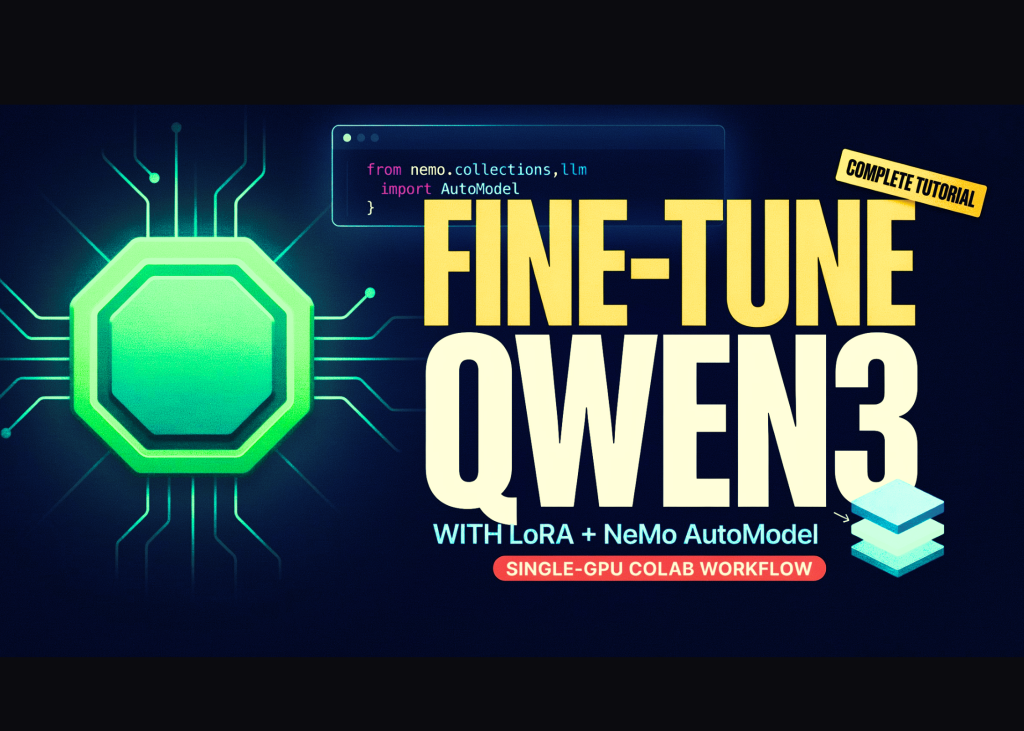
NVIDIA NeMo AutoModel now offers a complete workflow for fine-tuning the Qwen3-0.6B language model using a single GPU on Google Colab. The process involves verifying CUDA hardware, installing the library from source, adapting an official configuration for limited resources, and comparing the results against the base model.
Setting Up the Environment
The initial steps import standard Python libraries for file handling and process execution. The script defines specific paths for the repository, working directory, and checkpoint storage. A helper function manages shell commands, streaming their output to the console and halting execution if any command fails.
Checking Hardware and Installing Tools
The workflow verifies that the Colab runtime is using a CUDA-enabled GPU. It checks the device name, available memory in gigabytes, and whether bfloat16 precision is supported. If the environment lacks a GPU, the script instructs the user to change the runtime type in the Colab menu.
Next, the system clones the NVIDIA NeMo AutoModel repository from GitHub if it is not already present. It installs the package directly from source along with the required YAML and PEFT libraries. A final check ensures the NeMo AutoModel module imports without errors.
Adapting the Qwen3 Recipe
The script searches the repository for an official PEFT recipe file related to the Qwen model. It loads this YAML configuration to inspect the original training parameters.
Because a single Colab GPU has limited resources, the code modifies the configuration automatically. If bfloat16 is unsupported, it switches the precision to float32. It also reduces the batch size to four or eight, depending on the setting, to prevent out-of-memory errors. The training is capped at a single epoch with checkpoints saved every 40 steps.
Finally, the patched configuration is saved as a new file, and the base model identifier is extracted for later use.
Running the Fine-Tuning
The training process launches the Qwen3-0.6B model on the HellaSwag dataset using the prepared recipe. The command-line interface runs via the NeMo AutoModel tool. To ensure stability on Colab, the script disables Hugging Face transfer features and tokenizer parallelism. It includes a fallback command for older versions of the CLI if the primary invocation fails.
Evaluating the Results
After training completes, the code loads the base model and the newly created LoRA checkpoint. It uses the same tokenizer to generate text responses for both versions.
The test prompt asks the model to complete a scenario: “A man is sitting on a roof. He starts pulling up roofing shingles. What happens next?” The script generates a response from the original model and then from the fine-tuned version to highlight any differences in output.