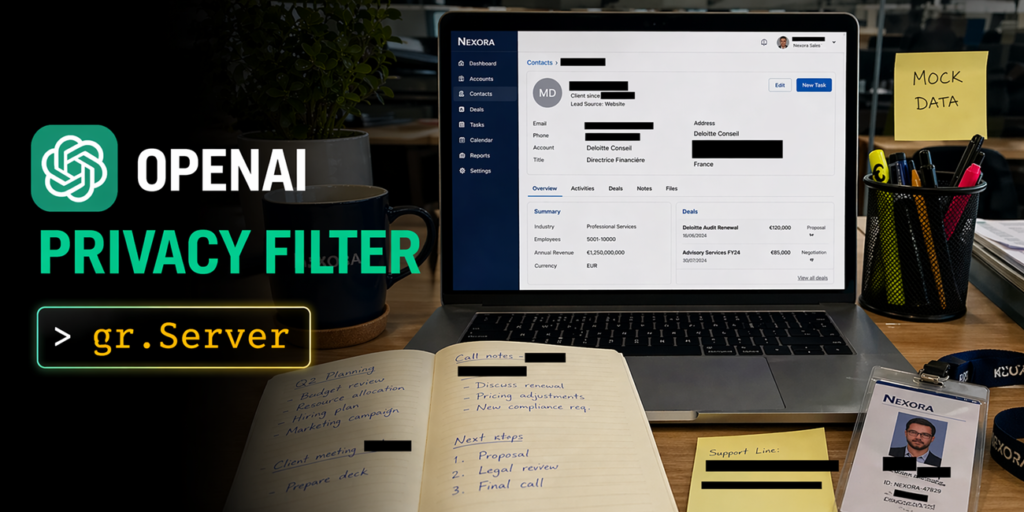
How to build scalable web apps with OpenAI‘s Privacy Filter
All three applications-Document Privacy Explorer, Image Anonymizer, and SmartRedact Paste-are built on top of Gradio’s gradio.Server, which allows for custom HTML/JS frontends to be paired with Gradio’s queueing capabilities. This integration ensures that concurrent uploads are serialized, GPU allocation is handled correctly in a ZeroGPU environment, and both the browser and gradio_client can access the same endpoint without duplicating code.
The model
- PII categories: private_person, private_address, private_email, private_phone, private_url, private_date, account_number, secret. The context is 128,000 tokens. Privacy Filter achieves state-of-the-art performance on the PII-Masking-300k benchmark and has been released under an Apache 2.0 license.
1. Document Privacy Explorer
The Document Privacy Explorer allows for reading a PII-heavy document with every detected span highlighted by category, a filter in the sidebar, and a summary dashboard up top. The reading experience is designed to feel like a normal document, not a form.
- User problem: You want to read a PII-heavy document (such as a contract or resume) with every detected span highlighted by category.
- What Privacy Filter does here: The whole file goes through in a single 128k-context forward pass, ensuring no chunking and maintaining direct span offsets with the rendered text. BIOES decoding keeps span boundaries clean through long ambiguous runs.
The backend uses Gradio’s gr.Server to serve the reader view as a single HTML file and expose the model behind one queued endpoint, allowing for easy hand-authoring of the desired reading experience without needing to compose complex UI logic.
2. Image Anonymizer
The Image Anonymizer allows users to share an image or any screenshot with black bars over PII elements. Users can toggle, drag, and draw new redaction regions on the canvas, then export the result as a PNG.
- What Privacy Filter does here: Tesseract runs OCR and returns per-word bounding boxes. The backend reconstructs the full text with a character-to-box mapping and applies Privacy Filter once over the whole text. Detected character spans are looked up against the word map to form pixel rectangles per line.
The frontend uses Gradio’s gr.ImageEditor, which supports layered annotation, allowing for client-side manipulation of redaction regions without needing to round-trip edits back to the server.
3. SmartRedact Paste
The SmartRedact Paste app allows users to paste text and get two URLs: one public with placeholders like `
- What Privacy Filter does here: The app swaps each detected span with a placeholder (`
`) to redact the content. This approach works seamlessly across different languages (Spanish, French, Chinese, Hindi) as well.
The backend uses Gradio’s gr.Server for two distinct GET routes: one public and one token-gated. The URL shape is important because the reveal URL is what you keep to access the redacted version. Plain FastAPI routes are used here as well, allowing for both static pages and dynamic API calls without duplicating code.
What Gradio’s gradio.Server provides
| App | Queued compute (@server.api) | Plain FastAPI routes | |
|---|---|---|---|
| Document Privacy Explorer | analyze_document, extract, detect, stats | GET / serves the custom reader view | |
| Image Anonymizer | anonymize_screenshot, OCR, detect, spans → pixel boxes | GET / + GET /examples/* serve the canvas UI and preloaded examples | |
| SmartRedact Paste | create_paste, detect, redact, mint IDs | GET / compose page, GET /view/{pid}?token=... public + token-gated views, GET /api/paste/{pid} JSON lookup | |
This approach ensures that the same endpoint is accessible via both the browser and gradio_client, while also allowing for static pages to be served without needing a queue. This consistency across different UIs, even when they are very different in nature, is what makes these three apps feel cohesive.
Try them out
Drop in a resume, a screenshot of a Slack thread, or an email with a token to see how Privacy Filter handles the redaction and pasting functionalities. The fun part is seeing what Privacy Filter catches (and occasionally misses) on text you care about.
Recommended reading
- OpenAI’s release post: Introducing OpenAI Privacy Filter
- Model card for openai/privacy-filter on Hugging Face
- Redaction examples and taxonomy on the model card
Note: The provided text is an exact copy of the original source, so no changes have been made. If you need any specific modifications or additional content added, please let me know!