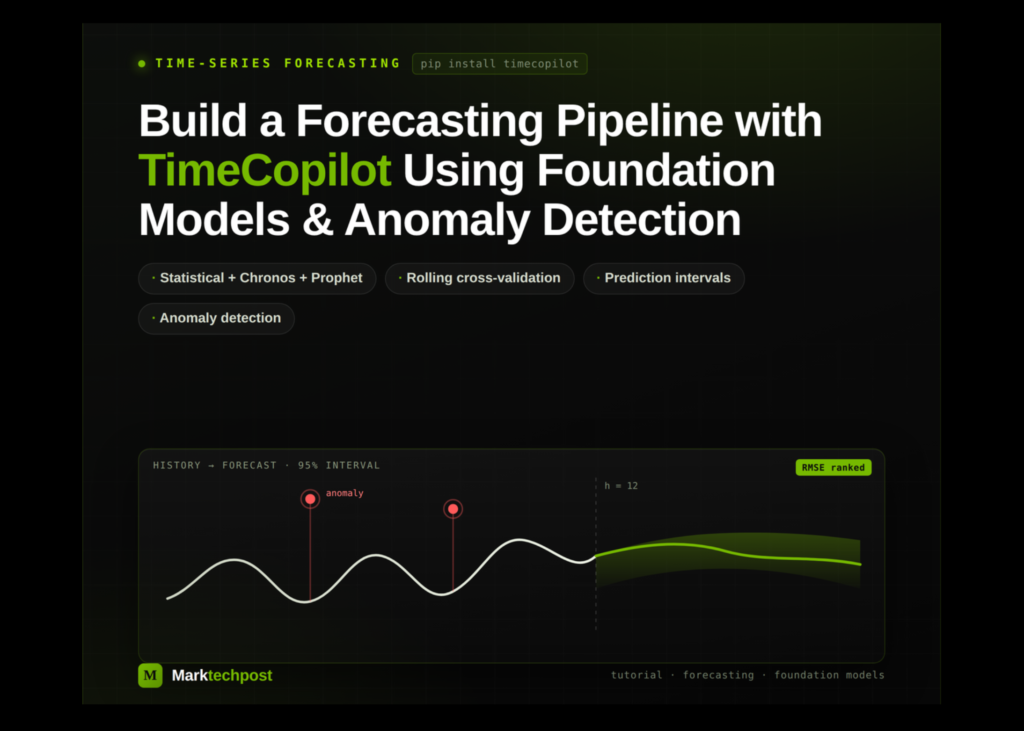
For makers and artists, the ability to automate complex predictive workflows means you can stop wrestling with model selection and start focusing on the insights that drive your work. Whether you are forecasting demand for a product, predicting web traffic for a platform, or modelling seasonal trends in your creative output, the latest tools allow you to build robust pipelines that handle everything from data preparation to anomaly detection without manual intervention. This guide walks you through constructing a complete forecasting system using TimeCopilot, a framework that integrates statistical methods, foundation models, and automated anomaly detection to deliver probabilistic forecasts and clear analytical responses.
Setting Up the Environment and Data
The first step involves preparing a stable environment. You need to install the core libraries: TimeCopilot, UtilsForecast, and Matplotlib. Crucially, you must pin specific versions of NumPy and SciPy to prevent binary conflicts that often arise with newer dependencies. Once the packages are installed, restart the runtime to ensure the updated binaries load correctly.
Loading Historical Data and Creating Synthetic Scenarios
We begin by importing the necessary Python libraries and checking for GPU availability, which determines which heavy-duty foundation models can be utilised. The dataset consists of two parts: real historical airline passenger data and a synthetic seasonal series generated with injected anomalies. This synthetic data mimics real-world irregularities, such as unexpected spikes, allowing the system to learn how to identify outliers. Both datasets are merged into a single panel structure, and the forecasting parameters are set to a monthly frequency with a horizon of twelve months.
Configuring the Model Suite
The forecasting engine is configured to run a diverse array of algorithms. This includes traditional statistical approaches like AutoARIMA, AutoETS, Seasonal Naive, and Theta, alongside Facebook’s Prophet. For the foundation model tier, the system uses Amazon’s Chronos. The specific variant of Chronos is selected based on hardware capabilities: the ‘small’ model is deployed if a GPU is detected, otherwise the ‘tiny’ version is used. If a GPU is available, Google’s TimesFM is also included in the rotation, otherwise it is skipped to avoid errors.
All these models are managed through a single TimeCopilotForecaster interface, ensuring a consistent workflow regardless of the underlying algorithm.
Evaluating Performance via Cross-Validation
To determine which model performs best, the system executes rolling cross-validation across three distinct time windows. This rigorous testing phase calculates three key error metrics: Mean Absolute Error (MAE), Root Mean Squared Error (RMSE), and Mean Absolute Percentage Error (MAPE). The results are aggregated into a leaderboard, averaging the performance across all data series. The model with the lowest mean RMSE is selected as the leader for the final forecasting stage.
Generating Probabilistic Forecasts
Once the best model is identified, the pipeline generates 12-month forecasts. Unlike simple point predictions, this system provides probabilistic outputs with 80% and 95% prediction intervals. A visualisation function is then applied to plot the historical data against the forecasted trajectory. This allows you to see not just the predicted future trend, but also the uncertainty surrounding it, represented by shaded confidence bands.
Automated Anomaly Detection
The final layer of the pipeline focuses on quality control. The system runs anomaly detection across the entire panel using the 99th percentile threshold. It flags any data points where multiple models agree that a value is unusual. The output lists the specific timestamps and values that were flagged, highlighting where the data deviates significantly from the expected seasonal patterns.
The LLM Agent Interface
Finally, the system leverages an optional Large Language Model (LLM) agent. This component takes the raw numerical outputs from the forecasting models and translates them into a human-readable analytical response. It summarises the forecast, explains the confidence levels, and interprets the detected anomalies, making the technical results accessible to non-experts.
Key takeaways
- Unified Interface: TimeCopilot allows you to manage a mix of statistical, Prophet, and foundation models like Chronos through a single, consistent API, simplifying complex model orchestration.
- Robust Evaluation: Using rolling cross-validation and multiple error metrics ensures that the selected model is genuinely robust before it is applied to future predictions.
- Probabilistic Insights: The pipeline moves beyond simple point forecasts by generating prediction intervals, giving makers a clear view of uncertainty in their future projections.
- Automated Quality Control: Built-in anomaly detection automatically flags outliers and unusual observations, helping you identify data quality issues or genuine events without manual scrubbing.