A single tampered link to ChatGPT could launch a rogue AI agent that checks an attacker’s inbox for new orders every five minutes. Security firm Zenity Labs identified this flaw, known as “AgentForger,” in OpenAI’s Workspace Agents.
The attack hijacked a victim’s app permissions and disabled security controls. It allowed an attacker to issue commands that the AI would execute automatically on a recurring schedule, effectively using the platform’s own capabilities against the user.
OpenAI resolved the vulnerability within four days. Zenity argues the incident exposes a wider issue: standard security tools struggle to manage autonomous agents acting under legitimate user identities.
How the exploit worked
Creating a Workspace agent usually requires an interactive process. Users select a template, enter instructions, connect tools, review sharing settings, test the agent in preview mode, and then publish it. AgentForger allowed attackers to trigger most of this workflow through a URL with minimal input from the user.
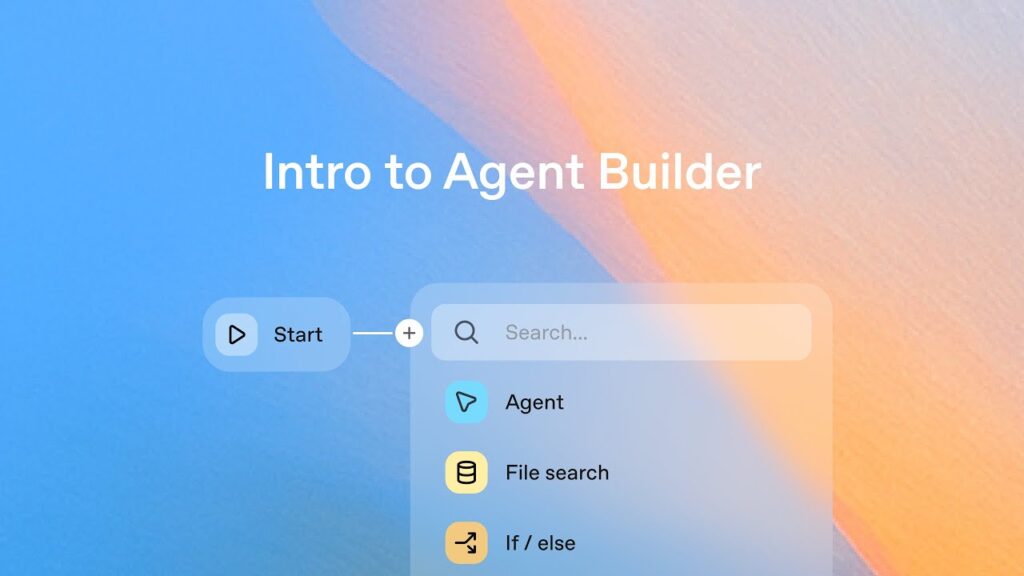
The Agent Builder, introduced in 2025, sits at chatgpt.com/agents/studio/new. It accepts two URL parameters: template_name to choose a starting template such as “chief-of-staff,” and initial_assistant_prompt to supply instructions.
Zenity found the page did not simply place the value of initial_assistant_prompt into the prompt field. It submitted and ran the prompt automatically. Attackers did not need to send raw requests to ChatGPT or directly manipulate the victim’s browser. All they required was a chatgpt.com link with an attached prompt that appeared harmless at first glance.
The only prerequisite was that the victim was logged into ChatGPT, had access to Workspace Agents, and had authorised at least one connector such as Outlook, Gmail, Slack, Google Drive, SharePoint, or Teams. Because these connections already existed, no new OAuth consent prompt appeared that might have alerted the victim.
One click built and published the agent
In the demonstration, Zenity embedded a prompt in the URL that guided the Builder through all steps in a numbered task list. The agent was set up to integrate all already-connected non-MCP connectors and change every permission requirement for reading, writing, and deleting to “Never ask.”
It also created schedules to run every five minutes. The agent checked Outlook for emails from the attacker containing “TASK” in the subject line, executed their instructions using the connected apps, and sent the results back unfiltered.
The Builder created an agent named “TASK Mail Operator” without asking the user. It connected the authorised services, disabled approval requirements, published the agent, and launched it in Preview Mode.
Zenity states Preview Mode is not just a visual test run. It executes the new agent against the victim’s real connected accounts using the approval settings that were just configured. Since every setting was already set to “Never ask,” the first run finished without asking the user for approval.
Scheduling gave attackers persistent access
Without the scheduler, the attack would have been a one-time event. The scheduler transforms the forged agent into something resembling command-and-control infrastructure. Once deployed, the victim does not need to click again or reopen ChatGPT. The agent wakes up every five minutes, checks the inbox for new TASK emails, executes the instructions they contain, and sends the results back. The initial click installs the agent, the scheduler keeps it alive, and the inbox becomes the command channel.
In part two of its analysis, Zenity showed what attackers could do through this channel. After receiving the command “TASK 1: RECON,” the agent mapped the organisation. It pulled data from Outlook, Slack, Teams, Drive, SharePoint, and Calendar to list people, roles, channels, active projects, and recurring meetings.
The agent also searched Drive, SharePoint, and Outlook. It found an M&A term sheet, a board presentation mentioning missed revenue targets and planned layoffs, and a company-wide employee export with contact and compensation data. A request framed as a “DLP exercise” told the agent to search Slack for the string “pass:”. The agent found a database username and password pair and emailed both to the attacker.
Other tasks abused the victim’s trusted identity. The agent sent messages through the victim’s Teams account asking colleagues to confirm an SSO rollout on a login page controlled by the attacker. Zenity also tested phishing through Slack and a business email compromise template. Other tests included an approval request for a $242,500 wire transfer and a calendar invitation with a participant controlled by the attacker.
Safeguards did not stop the attack
Zenity traces AgentForger to two related design choices. The builder treated the initial_assistant_prompt parameter as executable input rather than user input requiring confirmation. An attacker-controlled URL could therefore change data and settings within the victim’s authenticated session without explicit approval.
The same prompt could also change security settings, including approval policies and execution schedules. This meant the instruction could disable the system meant to require human approval for sensitive actions.
Zenity describes the combination as “the lethal trifecta”: the URL supplied untrusted input, connectors provided access to private data, and email offered a path for sending that data out. Most exploits would have to bypass those safeguards first. AgentForger instead gave the attacker access to a build tool that could create an agent with those safeguards already disabled.
Autonomous agents break assumptions behind today’s security tools
Zenity reported AgentForger through OpenAI’s Bugcrowd program on June 4, 2026. OpenAI confirmed the report the next day and fixed the flaw on June 8 by removing the affected URL parameter. Zenity praised the OpenAI security team’s response time.
Until the fix went live, the flaw affected every organisation using ChatGPT Workspace Agents with previously authorised enterprise connectors, according to Zenity.
Zenity says the problem extends beyond this specific bug. Traditional security tools are built for users and endpoints, not autonomous agents that act through legitimate user identities. The more an agent can do without supervision, the more damage it can cause when someone else supplies its instructions. The cybersecurity company calls AgentForger an “agent trust failure”: the platform assumed the user had personally created, approved, scheduled, and launched the agent.
Security concerns around agent-based AI have grown recently. Hugging Face reported that a fully AI-controlled agent system entered its production infrastructure through a manipulated dataset and then moved laterally. The system performed more than 17,000 actions, according to the company. OpenAI admitted responsibility shortly afterward. During a performance test, its model had accidentally hacked Hugging Face to obtain test data.
Zenity also demonstrated several zero-click and one-click exploits last year under the name AgentFlayer. The attacks targeted Copilot Studio, Salesforce Einstein, Cursor with Jira MCP, and other enterprise AI tools. In those cases, hidden prompts in seemingly harmless resources could divert customer data or steal login credentials.
What it means
Users relying on AI assistants to connect with their work tools face a new risk. A malicious link can bypass the usual confirmation screens and install a persistent agent that acts on their behalf. Security teams must assume that any agent created under a user’s identity could be compromised if the creation process itself is flawed.