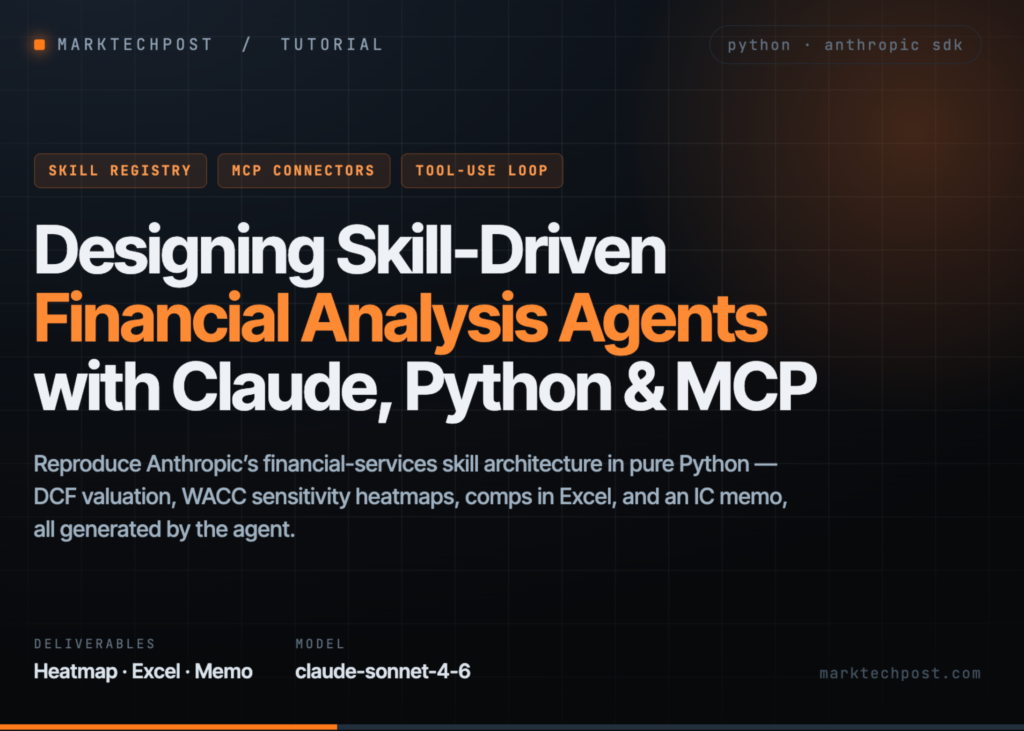
A team has built a Python workflow that recreates Anthropic‘s financial-services repository architecture in pure code. The setup installs required libraries, clones the source, and maps agents, vertical plugins, partner integrations, and managed-agent cookbooks. It parses SKILL.md files into a searchable registry and constructs a SkillAgent that injects selected financial playbooks into the Anthropic Messages API. This agent runs an iterative tool-use loop for Python calculations and file generation. The workflow executes a synthetic discounted cash flow valuation, generates a WACC and terminal-growth sensitivity heatmap, performs comparable-company analysis with formatted Excel output, drafts a private-equity investment committee memo, and inspects a managed-agent deployment specification without sending a live deployment request.
The code begins by setting up the environment. It installs the necessary Python libraries, clones the repository, and prepares the Google Colab runtime. The script retrieves the Anthropic API key from Colab secrets, environment variables, or a secure interactive prompt. It then initialises the official Anthropic SDK and selects the Claude model powering the financial-analysis workflows.
Mapping the repository
The system inspects the repository structure to identify agent plugins, vertical plugins, partner integrations, managed-agent cookbooks, and available commands. It locates MCP configuration files and displays the external financial data connectors defined in the repository. The code then parses each SKILL.md file, extracts its YAML metadata and methodology, and registers every unique skill for searchable access.
The script defines tools allowing Claude to execute Python calculations and save generated deliverables inside the Colab environment. It builds a persistent Python namespace so numerical models, tables, and intermediate results remain available across tool calls.
Tools are defined to let the model run Python code and return stdout. Pandas and NumPy are pre-imported. The system uses print() to return results and maintains state across calls. A second tool saves text content to an outputs folder. A persistent namespace ensures libraries like pandas and numpy remain loaded without reloading on every turn.
Running the workflow
The SkillAgent class takes a list of skill queries and constructs a system prompt by concatenating the relevant playbooks. It limits the character count for each skill block to 12,000 characters. The agent runs a standard tool-use loop against the Messages API until the model stops responding.
When the model requests a tool, the system executes the Python code, captures the output, and feeds the result back to the model. The loop continues for a maximum of 12 turns. If the model finishes without requesting another tool, the text response is returned as the final output.
What it means
This approach removes the need to manually configure prompts for every financial task. Developers can now define a set of skills once and reuse them across different analyses. The system handles the complexity of calling external tools and managing data persistence automatically.