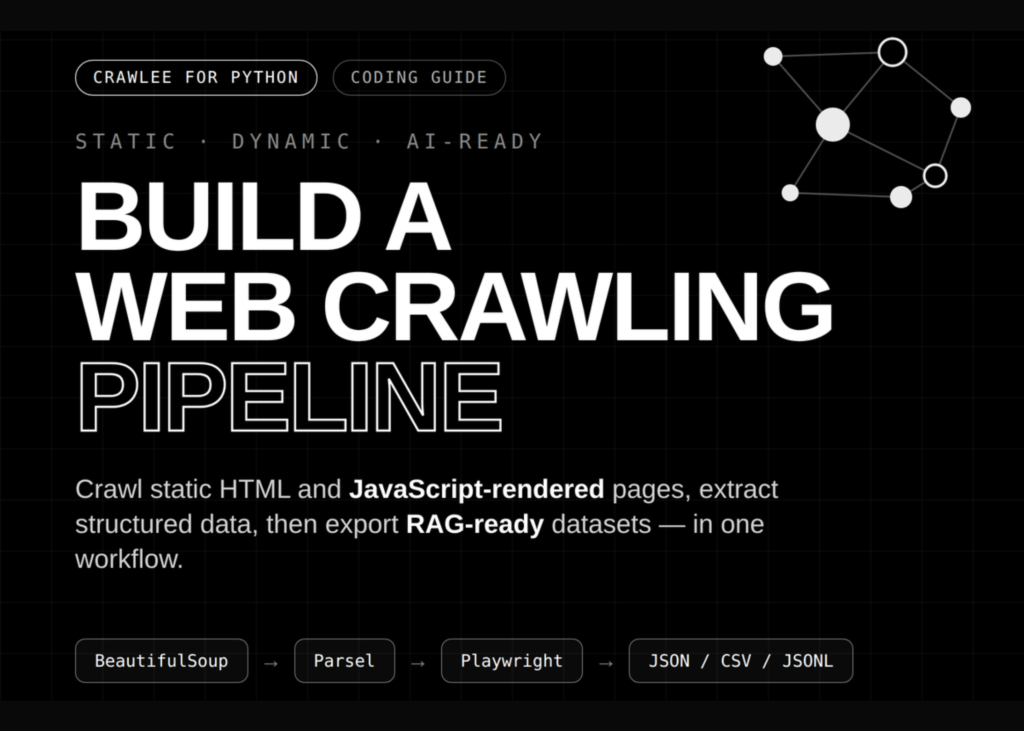
A tutorial demonstrates how to build a web crawling pipeline with Crawlee for Python that handles robots.txt rules, maps link graphs, and exports data for RAG. The guide covers environment setup, local website generation, and three distinct crawling methods: static HTML parsing, structured extraction, and JavaScript rendering. It also includes downstream data processing steps.
Setting Up the Crawlee Python Runtime
The first step involves configuring a compatible Crawlee runtime with pinned Pydantic support, Playwright browser installation, and persistent storage directories. The code checks for a setup sentinel file to ensure the environment is prepared correctly before proceeding.
If the setup is required, the script uninstalls existing packages and installs specific versions, including Pydantic 2.11, Crawlee with all dependencies, and the required analysis libraries. It then installs Chromium with dependencies via Playwright. For Google Colab users, the runtime restarts automatically after installation.
Once dependencies are ready, the script imports necessary modules like pandas, matplotlib, and networkx. It sets up environment variables for storage, logging, and data purging. Helper functions handle safe slug creation, price conversion to floats, and text normalization.
Generating the Demo Website
The tutorial creates a realistic local demo site containing product pages, documentation, blog content, and JavaScript-rendered catalog items. The site includes internal links, robots.txt rules, JSON-LD metadata, and various product attributes.
Product data includes SKUs, names, categories, prices, ratings, stock levels, features, and related items. The layout function generates HTML with a specific CSS style, including a header, navigation bar, and a grid system for displaying content cards.
The generated site features a home page, product listings, documentation, blog posts, a dynamic JavaScript page, and an admin section. It also includes a robots.txt file that disallows access to the admin directory while allowing access to the rest of the site.
Crawling with BeautifulSoupCrawler
Using BeautifulSoupCrawler, the workflow performs fast recursive HTML crawling. It extracts page titles, metadata, text previews, outgoing links, product attributes, documentation headings, code blocks, and blog tags.
This method is efficient for handling static content where JavaScript rendering is not required. The crawler navigates through the link graph to discover and process related pages automatically.
Structured Extraction with ParselCrawler
ParselCrawler runs precise CSS- and XPath-based extraction on product detail pages. This approach allows for targeted data retrieval from specific elements within the HTML structure.
It is useful when you need to extract specific fields from known page layouts without parsing the entire document tree.
Rendering JavaScript with PlaywrightCrawler
PlaywrightCrawler renders JavaScript content in a headless Chromium browser. It waits for dynamic DOM elements to appear, extracts client-side data, and captures full-page screenshots.
This method is essential for sites where content is loaded asynchronously or depends on user interactions to display.
What it means
The tutorial provides a complete, reproducible workflow for building web scraping pipelines in Python. It covers the full lifecycle from environment setup to data extraction and processing. The inclusion of robots.txt handling ensures compliance with site rules, while the link graph traversal automates the discovery of related content. Exporting data in formats suitable for RAG allows the extracted information to be used in downstream AI applications.