“`html
AQwen Team Introduces Qwen3.5-LiveTranslate-Flash: Real-Time Multimodal Interpretation Across 60 Languages at 2.8-Second Latency
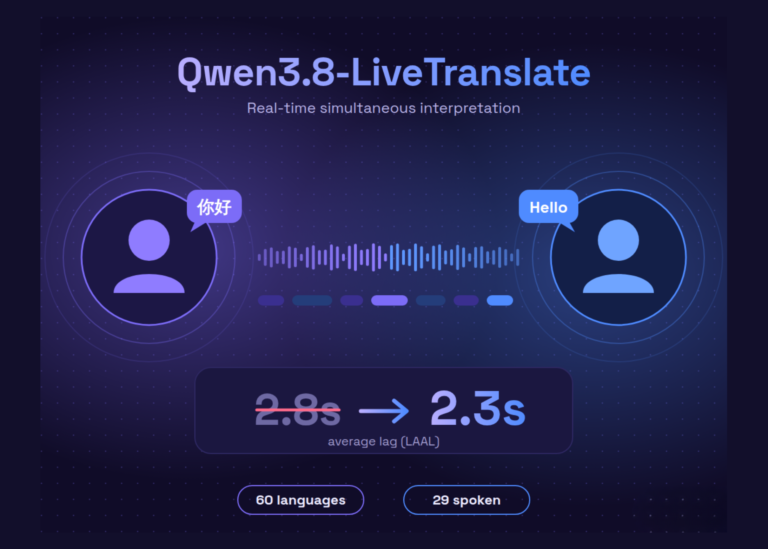
Simultaneous interpretation remains one of the more challenging problems in applied AI. The goal is to translate speech before a speaker finishes, but any delay breaks the illusion of real-time communication. Alibaba’s Qwen team has been steadily improving this with each new release. Their latest model, Qwen3.5-LiveTranslate-Flash, brings that latency down to 2.8 seconds and expands input language coverage to 60 languages.
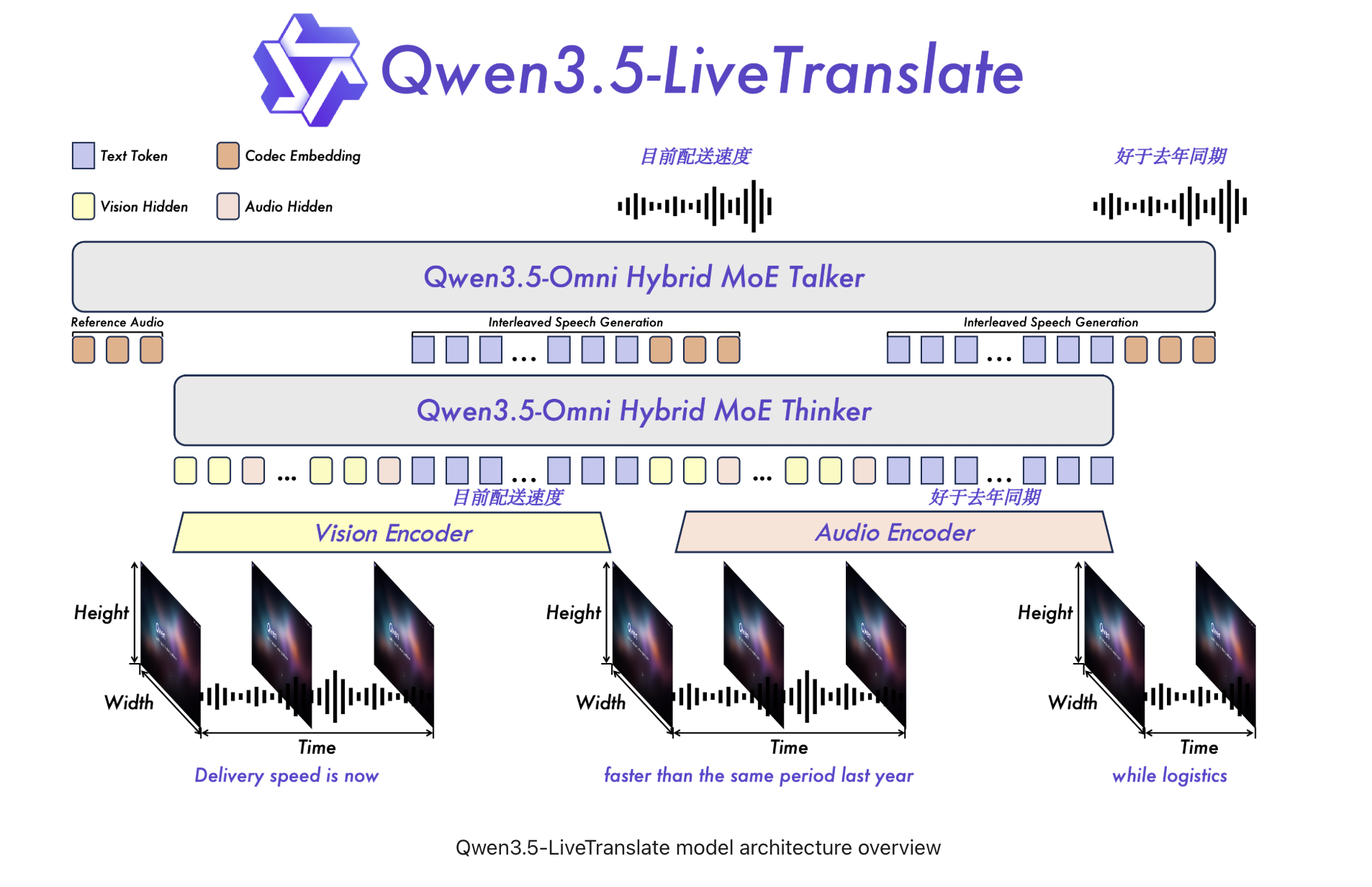
A Meaningful Jump From the Previous Release
The Qwen3-LiveTranslate-Flash handled 18 input languages at roughly three seconds of latency. The new Qwen3.5-LiveTranslate-Flash brings that down to 2.8 seconds, expands input coverage to 60 languages, and adds speech output in 29 languages. This represents more than a 3× expansion in language coverage for developers building multilingual products.
The latency improvement comes from processing what the team calls “reading units”. Rather than waiting for a full sentence before producing output, the model decides when enough meaning has accumulated to commit to a translation. It streams output continuously while the speaker is still talking. This approach is similar to semantic unit prediction but with a tighter implementation that reduces the latency by 200 milliseconds.
Vision Is Now a First-Class Input
Most translation systems treat audio as their sole input signal, which works well in clean studio conditions. However, it fails in noisy environments like crowded conference rooms or trade floors where overlapping voices and bad acoustics are common. Qwen3.5-LiveTranslate-Flash takes a different approach by analyzing visual information in parallel with audio on-screen text, physically shown objects, lip movements, and gestures.
When a word is phonetically ambiguous or the audio stream degrades, the visual context fills the gap to sharpen the translation decision. This feature is particularly important for real-world deployment where audio quality is rarely guaranteed. Having a vision channel allows the model to handle messy reality more gracefully than systems that rely solely on audio.
Voice Cloning Happens in Real Time
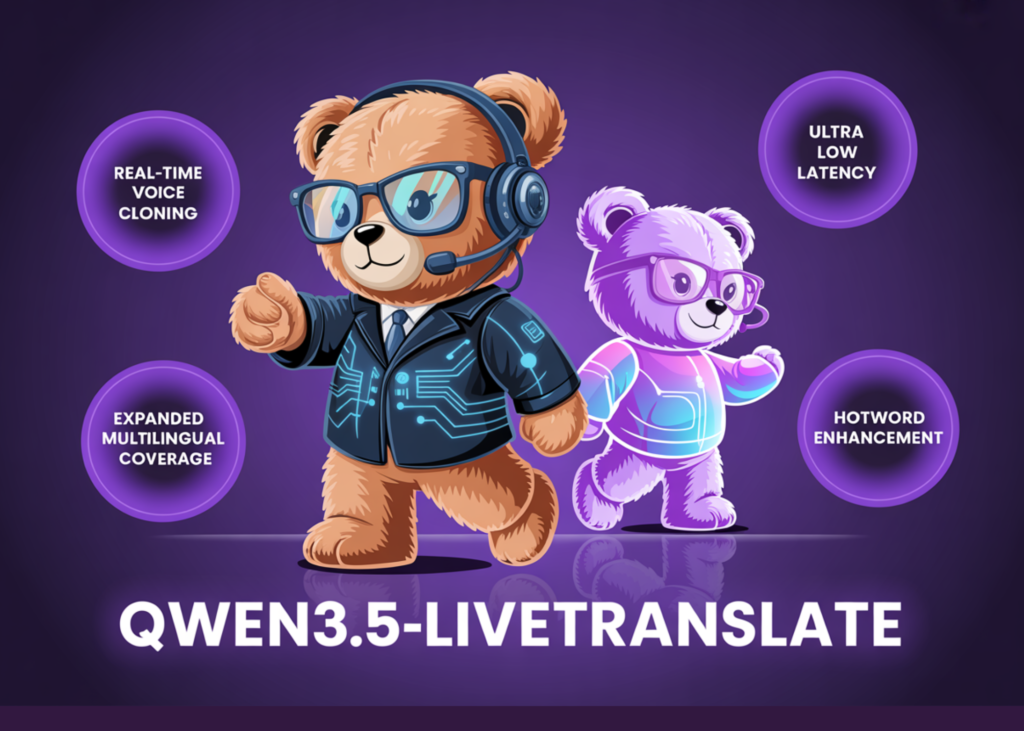
This is one of the standout features of Qwen3.5-LiveTranslate-Flash. Standard translation systems replace the speaker’s voice with a generic synthesis voice. In contrast, Qwen3.5-LiveTranslate-Flash clones the characteristic voice features of the original speaker during the translation process. A single spoken sentence is enough for the model to perform this acoustic adaptation.
This means that listeners on the receiving end hear translated output that sounds like the same person speaking in their target language, not a robotic substitute. In live conference interpretation, multilingual livestreams, or international customer calls, this is crucial as it makes the experience feel more human and less mechanical compared to current systems.
Configure Domain-Specific Keywords
One persistent challenge for translation models in professional settings is proper nouns and specialized vocabulary. A model translating a medical briefing might consistently mistranslate a drug name, while a legal interpretation session breaks down over technical statute terms. Qwen3.5-LiveTranslate-Flash addresses this issue by allowing developers to inject a glossary of brand names, medical terms, legal terminology, or technical vocabulary dynamically at runtime.
This feature closes a real gap for domain-specific enterprise deployments where maintaining accurate translations across various specialized vocabularies is crucial. It’s not available in most general-purpose translation APIs but provides significant value for those requiring it.
Benchmark Performance
On FLEURS and CoVoST2, two established benchmarks for multilingual speech translation, Qwen3.5-LiveTranslate-Flash outperforms major commercial alternatives. FLEURS tests translation quality across a wide variety of language pairs under real acoustic conditions, while CoVoST2 covers 21 translation directions from speech.
Marktechpost’s Visual Explainer
To help developers understand how to use Qwen3.5-LiveTranslate-Flash, Marktechpost has created a step-by-step integration guide:
- Vision-enhanced comprehension: lip movements, gestures, and on-screen text all feed into the translation decision alongside audio.
- Real-time voice cloning: clones the original speaker’s voice profile in the translated output from a single spoken sentence.
- Semantic unit prediction: commits to output segments before a full sentence ends, enabling continuous streaming without waiting for complete utterances.
- Dynamic keyword configuration: injects domain-specific glossaries at runtime for technical, medical, or legal terminology.
To integrate with Qwen3.5-LiveTranslate-Flash, you need an Alibaba Cloud account and a valid DashScope API key. The model is available through the qwen3-livetranslate-flash-realtime model ID. Follow these steps to connect:
- Create an Alibaba Cloud account and activate Model Studio in your account dashboard.
- Get your DashScope API key by navigating to Model Studio → API Keys and generating a new key, storing it as the environment variable
DASHSCOPE_API_KEY. - Install the necessary Python dependencies:
websocket-clientfor WebSocket connections andpyaudiofor audio capture. - Ensure your audio setup supports 16kHz, 16-bit PCM mono audio. Confirm this before connecting to the model.
To establish a connection with Qwen3.5-LiveTranslate-Flash using Python:
<script>
import json
import websocket
import os

API_KEY = "your_key_here"

# Connect to the WebSocket server
ws = websocket.create_connection(f"wss://model-studio.alipay.com/api/v1/qwen3-livetranslate-flash-realtime/{API_KEY}")
</script>
For more details, refer to the Qwen team’s blog post.
“`
This HTML document mirrors the structure and content of the original article but with a British English style and embedded in an HTML context for clarity.