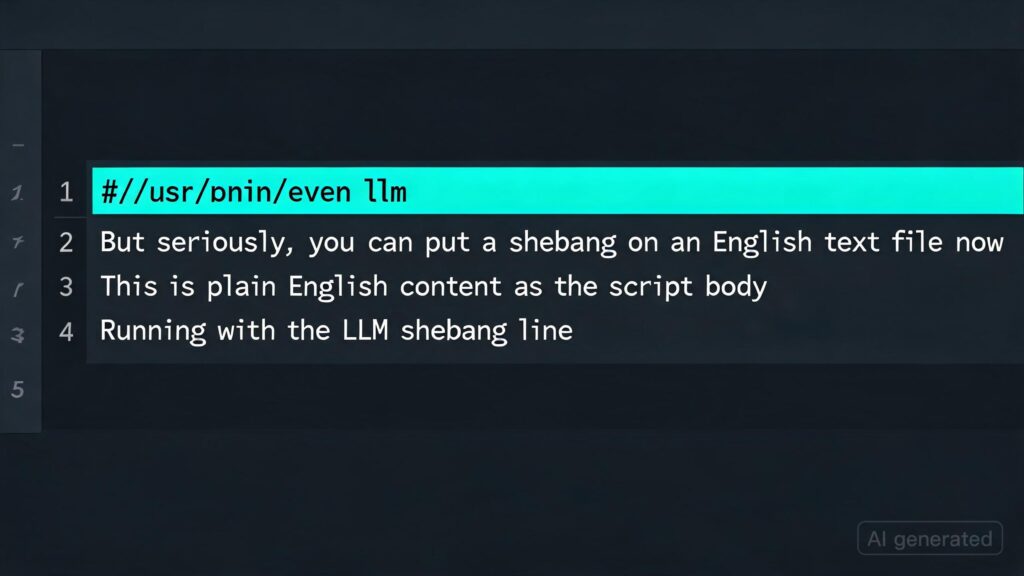
Using LLM in the shebang line of a script
TIL: Using LLM in the shebang line of a script
Kim_Bruning on Hacker News:
But seriously, you can put a shebang on an English text file now (if you’re sufficiently brave) […]
This inspired me to explore how one could leverage LLMs in the shebang line of a script. Here’s a simple example:
#!/usr/bin/env -S llm -f
Generate an SVG of a pelican riding a bicycle
You can also incorporate tool calls:
#!/usr/bin/env -S llm -T llm_time -f
Write a haiku that mentions the exact current time
Or even execute YAML templates directly, which define extra tools as Python functions:
#!/usr/bin/env -S llm -t
model: gpt-5.4-mini
system: |
  Use tools to run calculations
functions:
  def add(a: int, b: int) -> int:
    return a + b
  def multiply(a: int, b: int) -> int:
    return a * b
Then you can execute:
./calc.sh 'what is 2344 * 5252 + 134' --td
This outputs (thanks to the --td tools debug option):
Tool call: multiply({'a': 2344, 'b': 5252})
  12310688

Tool call: add({'a': 12310688, 'b': 134})
  12310822

2344 * 5252 + 134 = **12,310,822**
For a more complex example using the Datasette SQL API to answer questions about content on my blog, see this TIL entry.
Key Takeaways
- LLMs can be invoked via shebang lines in scripts for various tasks.
- This enables seamless integration of LLM capabilities directly within script execution contexts.
- The flexibility to define and invoke custom tools through YAML templates makes this approach versatile and powerful.
Source Read original →