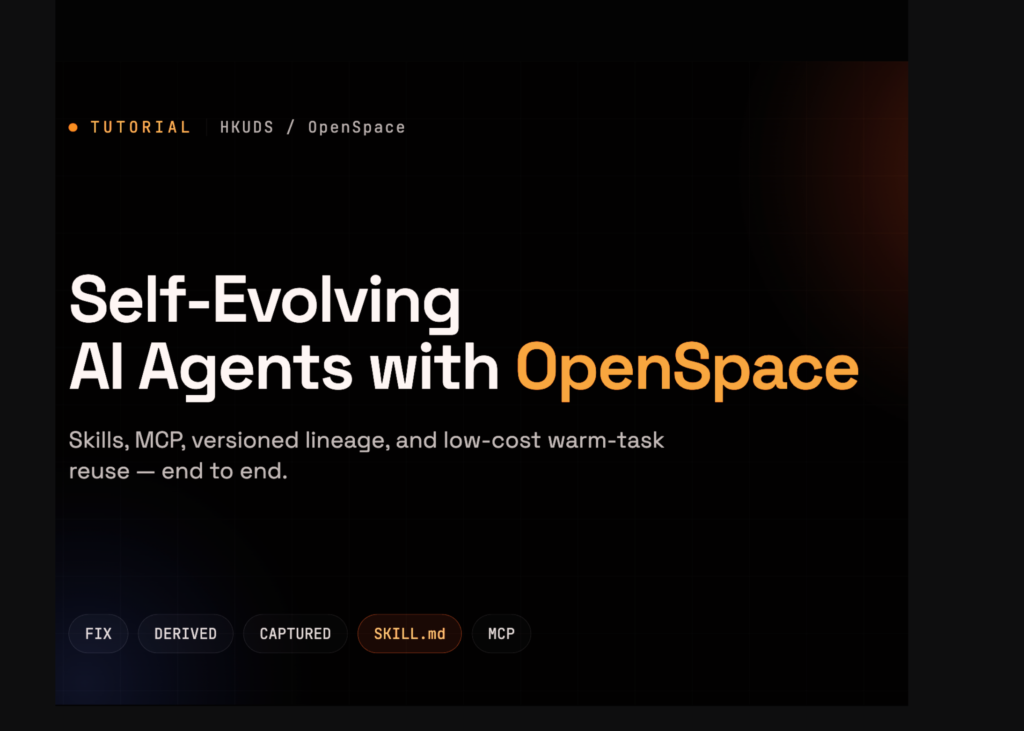
OpenSpace agents now run on Python 3.12 and store their learned skills in SQLite databases with versioning and lineage tracking. The system allows developers to define custom capabilities in a SKILL.md file and reuse previous agent outputs to lower development costs.
Setup and configuration
The code begins by importing standard libraries and defining API keys for Anthropic and OpenAI. It sets the model to anthropic/claude-sonnet-4-5 and checks that the Python environment meets the version requirement. If the runtime is older than 3.12, the script instructs the user to change the runtime type or use a fallback virtual environment.
The script clones the OpenSpace repository using sparse checkout to avoid downloading unnecessary files like assets. It installs the package in editable mode and verifies that the openspace-mcp and openspace-dashboard command-line tools are available on the system path.
Next, it creates directories for the workspace and custom skills. The code writes environment variables to a .env file, including the model name, workspace location, and host skill directories. It exports these variables into the current process and masks any API keys in the console output for security.
If no API key is provided, the system detects this and skips live execution tasks, logging a warning instead of attempting to run the agent.
Executing tasks and inspecting skills
The code defines an asynchronous function to run tasks via the OpenSpace API. It executes a request to write a Python function that parses a CSV of employee hours and calculates weekly payroll, including overtime rates. The agent processes the request and returns the generated code.
After execution, the script prints the response and lists any new skills the agent evolved during the task. These skills include metadata about their origin. The output shows the agent successfully generating the payroll logic.
The code then inspects the SQLite database where OpenSpace stores its state. It connects to the database and lists available tables. For each table, it displays the column names and the first few rows of data. This reveals how the system tracks FIX, DERIVED, and CAPTURED skills to support reuse.
Finally, it attempts to import the skill engine registry and type definitions to verify they are accessible programmatically.
Extending capabilities and custom skills
The workflow runs a second task to extend the previous payroll logic. It asks the agent to add tax withholding rates and produce net pay, explicitly requesting the reuse of any prior payroll skills. The database dump shows the updated records reflecting this new capability.
Developers can create custom skills by writing a SKILL.md file. The example creates a file named colab-csv-report that instructs the agent to load CSVs with pandas, generate summary statistics, and write three bullet observations in plain markdown. It specifies fallback parsing methods if the initial attempt fails.
The script copies built-in host skills, such as delegate-task and skill-discovery, into the agent directory. It then creates a sample CSV file with employee data.
Using the custom skill, the agent runs a new task to produce a markdown report for the sample CSV. The output demonstrates how the agent applies the specific instructions defined in the SKILL.md file to process the data.
What it means
OpenSpace shifts the focus from writing code to defining how agents should behave. By allowing users to write simple SKILL.md files, developers can create reusable templates for common tasks like data analysis. The system tracks these skills in a database, ensuring that knowledge persists across sessions and can be combined with other capabilities. This approach reduces the need to retrain agents for every new task, as they can instead call upon previously learned skills.