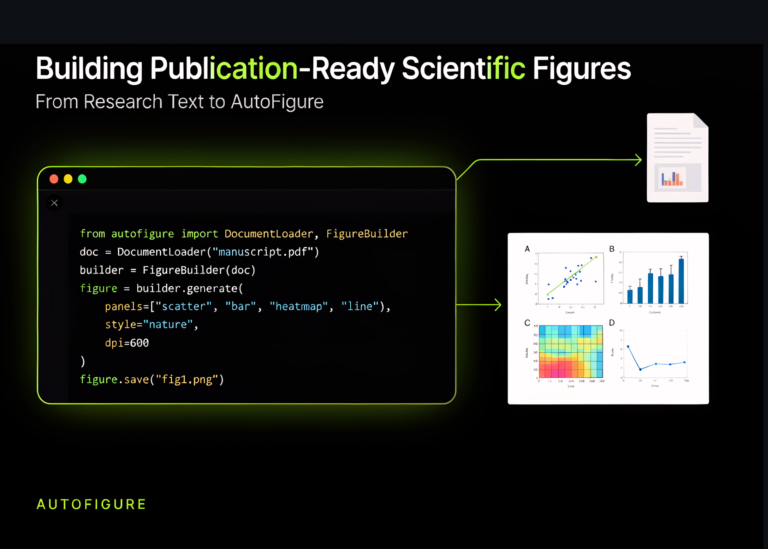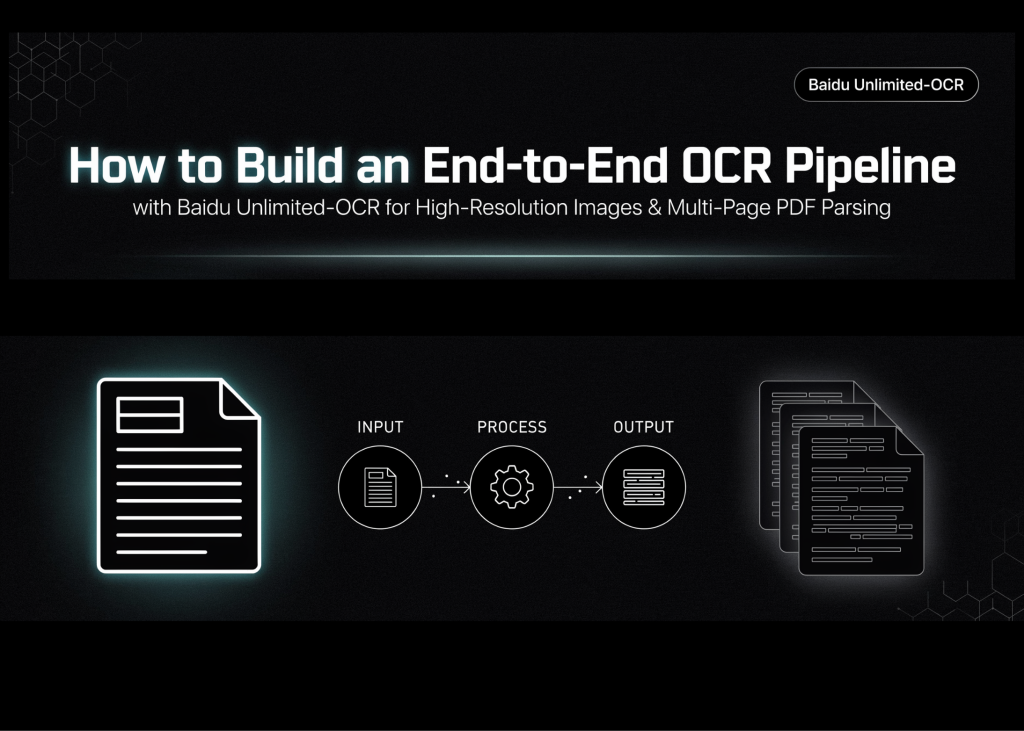
Baidu’s Unlimited-OCR model, a 3B-parameter vision-language system, now handles high-resolution images and multi-page PDFs without requiring separate layout analysis stages. The workflow below sets up the environment, loads the model in bfloat16 or float16, and processes dense documents with tables and long text blocks in a single pass.
Environment setup and model loading
The script installs required libraries including transformers version 4.57.1, Pillow, and PyMuPDF. It checks for a CUDA-enabled GPU and automatically selects the appropriate data type: bfloat16 if supported, otherwise float16. The model downloads to approximately 6 GB and moves to the GPU for inference.
import subprocess, sys
def pip_install(*pkgs):
   subprocess.check_call([sys.executable, "-m", "pip", "install", "-q", *pkgs])
print(">> Installing dependencies (1-2 min)...")
pip_install(
   "transformers==4.57.1",
   "Pillow",
   "matplotlib",
   "einops",
   "addict",
   "easydict",
   "pymupdf",
   "psutil",
   "accelerate",
)
print(">> Done.")
import os
import torch
from transformers import AutoModel, AutoTokenizer
assert torch.cuda.is_available(), (
   "No GPU detected! In Colab: Runtime -> Change runtime type -> GPU."
)
gpu_name = torch.cuda.get_device_name(0)
print(f">> GPU: {gpu_name}")
use_bf16 = torch.cuda.is_bf16_supported()
DTYPE = torch.bfloat16 if use_bf16 else torch.float16
print(f">> Using dtype: {DTYPE}")
MODEL_NAME = "baidu/Unlimited-OCR"
print(">> Downloading model (~6 GB for 3B params in BF16). First run takes a while...")
tokenizer = AutoTokenizer.from_pretrained(MODEL_NAME, trust_remote_code=True)
model = AutoModel.from_pretrained(
   MODEL_NAME,
   trust_remote_code=True,
   use_safetensors=True,
   torch_dtype=DTYPE,
)
model = model.eval().cuda()
print(">> Model loaded and moved to GPU.")
Generating test documents
The code creates directories for input and output files. It then generates three sample pages using PIL, each containing headings, paragraphs, and a table of regional revenue data. This layout tests the model’s ability to handle structured content with varying font sizes.
from PIL import Image, ImageDraw, ImageFont
import textwrap
os.makedirs("inputs", exist_ok=True)
os.makedirs("outputs/single_gundam", exist_ok=True)
os.makedirs("outputs/single_base", exist_ok=True)
os.makedirs("outputs/multi_page", exist_ok=True)
def load_font(size):
   for path in [
       "/usr/share/fonts/truetype/dejavu/DejaVuSans-Bold.ttf",
       "/usr/share/fonts/truetype/dejavu/DejaVuSans.ttf",
   ]:
       if os.path.exists(path):
           return ImageFont.truetype(path, size)
   return ImageFont.load_default()
def make_sample_page(path, page_no):
   W, H = 1240, 1754
   img = Image.new("RGB", (W, H), "white")
   d = ImageDraw.Draw(img)
   title_f, head_f, body_f = load_font(48), load_font(34), load_font(26)
   d.text((80, 70), f"Quarterly Operations Report — Page {page_no}",
          fill="black", font=title_f)
   d.line([(80, 145), (W - 80, 145)], fill="black", width=3)
   body = (
       "This document demonstrates Unlimited-OCR's one-shot long-horizon "
       "parsing. The model reads an entire page — headings, paragraphs, "
       "and tables — and emits structured text in a single decoding pass. "
       "Unlike classic OCR pipelines, no separate layout-analysis stage "
       "is required."
   )
   y = 190
   for line in textwrap.wrap(body, width=72):
       d.text((80, y), line, fill="black", font=body_f)
       y += 40
   y += 30
   d.text((80, y), f"Table {page_no}: Regional Revenue (USD, millions)",
          fill="black", font=head_f)
   y += 60
   rows = [
       ["Region",  "Q1",   "Q2",   "Q3"],
       ["North",   "12.4", "13.1", "15.0"],
       ["South",   "9.8",  "10.2", "11.7"],
       ["East",    "14.3", "13.9", "16.2"],
       ["West",    "11.1", "12.5", "12.9"],
   ]
   col_w, row_h, x0 = 260, 56, 80
   for r, row in enumerate(rows):
       for c, cell in enumerate(row):
           x = x0 + c * col_w
           d.rectangle([x, y, x + col_w, y + row_h], outline="black", width=2)
           d.text((x + 14, y + 12), cell, fill="black", font=body_f)
       y += row_h
   y += 50
   footer = (
       f"Note {page_no}: Figures are illustrative. Multi-page mode stitches "
       "context across pages, so cross-page references remain coherent."
   )
   for line in textwrap.wrap(footer, width=72):
       d.text((80, y), line, fill="black", font=body_f)
       y += 40
   img.save(path)
   return path
IMAGE_PATH = make_sample_page("inputs/sample_page_1.png", 1)
PAGE_2     = make_sample_page("inputs/sample_page_2.png", 2)
PAGE_3     = make_sample_page("inputs/sample_page_3.png", 3)
print(f">> Sample pages written: {IMAGE_PATH}, {PAGE_2}, {PAGE_3}")
import matplotlib.pyplot as plt
plt.figure(figsize=(6, 8))
plt.imshow(Image.open(IMAGE_PATH))
plt.axis("off")
plt.title("Input document (page 1)")
plt.show()
Single image inference modes
The first test runs the Gundam mode. This approach tiles the image and processes crops individually before stitching results together. It preserves fine detail for dense layouts by using a smaller tile size and enabling crop mode.
print("\n" + "=" * 76)
print("STEP 4: Single image — GUNDAM mode (tiled, high detail)")
print("=" * 76)
model.infer(
   tokenizer,
   prompt="<image>document parsing.",
   image_file=IMAGE_PATH,
   output_path="outputs/single_gundam",
   base_size=1024,
   image_size=640,
   crop_mode=True,
   max_length=32768,
   no_repeat_ngram_size=35,
   ngram_window=128,
   save_results=True,
)
The second test uses Base mode. It processes the full 1024-pixel image in a single view without cropping. This reduces inference complexity and speeds up processing for clearly printed pages. Repetition controls remain active to ensure stable output.
Related articles