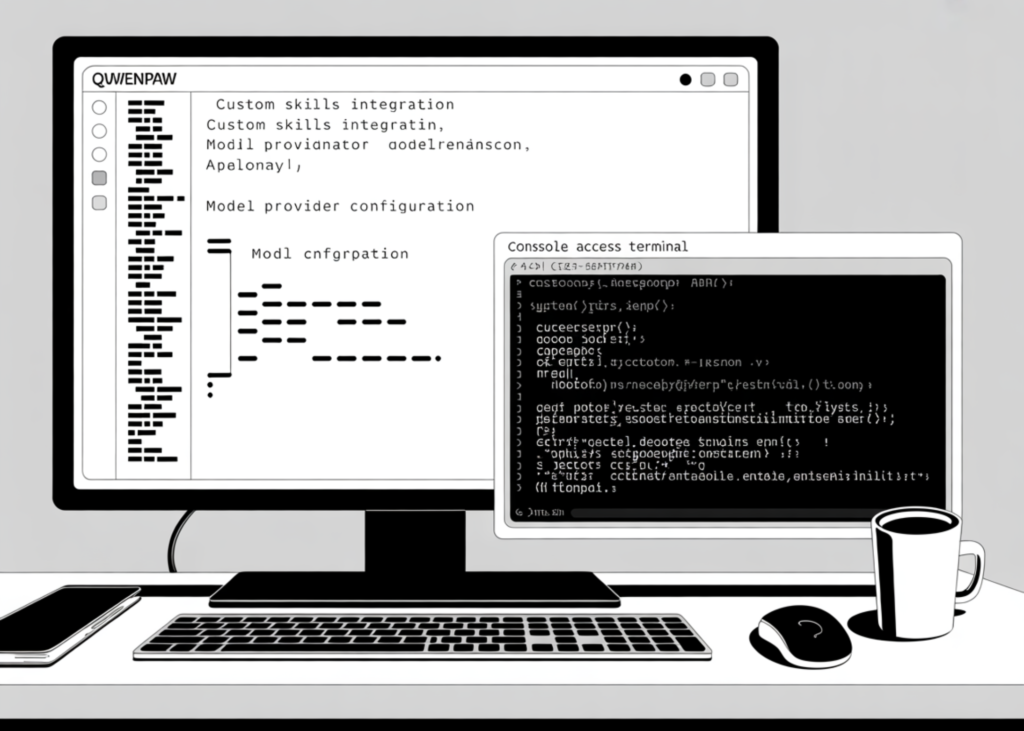
For makers and developers, the QwenPaw ecosystem offers a robust framework to construct agentic workflows without getting bogged down in boilerplate code. This guide walks through the process of deploying a QwenPaw workspace directly within a Google Colab environment. We cover the full lifecycle: from installing dependencies and configuring secure authentication to integrating multiple LLM providers and exposing a functional console. By the end, you will have a live, API-driven agent capable of interacting with custom skills and streaming outputs, ready for both local experimentation and production-ready prototyping.
Initialising the Environment and Security
The foundation of this setup involves importing the necessary Python libraries and establishing a strict directory structure. We define specific paths for working files, secrets, logs, and agent workspaces to ensure data isolation. Crucially, we enforce authentication by generating a secure, random password stored in a local file, ensuring that access to the QwenPaw Console remains protected.
We also define helper utilities to manage the application lifecycle. These include functions to execute shell commands, monitor port availability, and gracefully terminate any existing processes before launching a new instance. This prevents conflicts and ensures a clean state every time the environment resets.
import os
import sys
import json
import time
import uuid
import shlex
import signal
import shutil
import socket
import secrets
import pathlib
import subprocess
from datetime import datetime
RESET_QWENPAW = False
PORT = int(os.environ.get("QWENPAW_COLAB_PORT", "8088"))
ROOT = pathlib.Path("/content/qwenpaw_colab")
WORKING_DIR = ROOT / "working"
SECRET_DIR = ROOT / "secrets"
LOG_DIR = ROOT / "logs"
WORKSPACE_DIR = WORKING_DIR / "workspaces" / "default"
PID_FILE = ROOT / "qwenpaw_app.pid"
APP_LOG = LOG_DIR / "qwenpaw_app.log"
if RESET_QWENPAW and ROOT.exists():
   shutil.rmtree(ROOT)
for p in [ROOT, WORKING_DIR, SECRET_DIR, LOG_DIR, WORKSPACE_DIR]:
   p.mkdir(parents=True, exist_ok=True)
os.environ["QWENPAW_WORKING_DIR"] = str(WORKING_DIR)
os.environ["QWENPAW_SECRET_DIR"] = str(SECRET_DIR)
os.environ["QWENPAW_AUTH_ENABLED"] = "true"
os.environ["QWENPAW_AUTH_USERNAME"] = os.environ.get("QWENPAW_AUTH_USERNAME", "admin")
os.environ["QWENPAW_LOG_LEVEL"] = os.environ.get("QWENPAW_LOG_LEVEL", "info")
os.environ["QWENPAW_SKILL_SCAN_MODE"] = os.environ.get("QWENPAW_SKILL_SCAN_MODE", "warn")
os.environ["QWENPAW_TOOL_GUARD_ENABLED"] = os.environ.get("QWENPAW_TOOL_GUARD_ENABLED", "true")
password_file = SECRET_DIR / ".colab_ui_password"
if not password_file.exists():
   password_file.write_text("qpw-" + secrets.token_urlsafe(18), encoding="utf-8")
os.environ["QWENPAW_AUTH_PASSWORD"] = password_file.read_text(encoding="utf-8").strip()
def run(cmd, check=False, env=None, cwd=None, stream=False):
   if isinstance(cmd, str):
       display_cmd = cmd
       shell = True
   else:
       display_cmd = " ".join(shlex.quote(str(x)) for x in cmd)
       shell = False
   print(f"\n$ {display_cmd}")
   if stream:
       proc = subprocess.Popen(cmd, shell=shell, env=env, cwd=cwd, text=True)
       rc = proc.wait()
       if check and rc != 0:
           raise RuntimeError(f"Command failed with exit code {rc}: {display_cmd}")
       return rc, ""
   out = subprocess.run(
       cmd,
       shell=shell,
       env=env,
       cwd=cwd,
       text=True,
       stdout=subprocess.PIPE,
       stderr=subprocess.STDOUT,
   )
   print(out.stdout[-4000:])
   if check and out.returncode != 0:
       raise RuntimeError(f"Command failed with exit code {out.returncode}: {display_cmd}")
   return out.returncode, out.stdout
def port_open(host="127.0.0.1", port=8088, timeout=0.5):
   try:
       with socket.create_connection((host, port), timeout=timeout):
           return True
   except OSError:
       return False
def wait_for_port(port, seconds=90):
   start = time.time()
   while time.time() - start < seconds:
       if port_open("127.0.0.1", port):
           return True
       time.sleep(1)
   return False
def stop_previous_app():
   if PID_FILE.exists():
       try:
           pid = int(PID_FILE.read_text().strip())
           os.kill(pid, signal.SIGTERM)
           time.sleep(2)
           try:
               os.kill(pid, 0)
               os.kill(pid, signal.SIGKILL)
           except OSError:
               pass
       except Exception:
           pass
       PID_FILE.unlink(missing_ok=True)
def qwenpaw_cmd(*args):
   exe = shutil.which("qwenpaw")
   if exe:
       return [exe, *args]
   return [sys.executable, "-m", "qwenpaw", *args]
def colab_secret_or_env(name):
   value = os.environ.get(name, "")
   try:
       from google.colab import userdata
       secret_value = userdata.get(name)
       if secret_value:
           value = secret_value
   except Exception:
       pass
   return value or ""
print("Python:", sys.version)
assert sys.version_info >= (3, 10), "QwenPaw needs Python 3.10+."
pip_spec = os.environ.get("QWENPAW_PIP_SPEC", "qwenpaw")
run([sys.executable, "-m", "pip", "install", "-q", "-U", "pip", "setuptools", "wheel"], check=False)
run([sys.executable, "-m", "pip", "install", "-q", "-U", pip_spec, "requests"], check=True)
try:
   import requests
except Exception:
   run([sys.executable, "-m", "pip", "install", "-q", "-U", "requests"], check=True)
   import requests
Configuring Model Providers and Agents
Once the environment is primed, we configure the agent logic. We set up a flexible configuration that supports a range of major model providers, including OpenAI, OpenRouter, DashScope, DeepSeek, and Google Gemini. The code scans for API keys stored as Colab secrets, automatically selecting the first available provider to ensure the system remains functional regardless of the underlying infrastructure.
We then define a default agent profile named “Colab Research Assistant”. This agent is configured to be file-aware, capable of executing custom skills, and guarded by security protocols. The setup includes parameters for maximum iteration counts, retry logic, and streaming output, ensuring the agent behaves predictably during complex tasks.
if not (WORKING_DIR / "config.json").exists():
run(qwenpaw_cmd("init", "--defaults"), check=False)
else:
print("QwenPaw working directory already initialized:", WORKING_DIR)
provider_candidates = [
{
"env": "OPENAI_API_KEY",
"provider_id": "openai",
"name": "OpenAI",
"base_url": "https://api.openai.com/v1",
"model": os.environ.get("QWENPAW_MODEL", "gpt-4o-mini"),
"chat_model": "OpenAIChatModel",
"prefix": "sk-",
},
{
"env": "OPENROUTER_API_KEY",
"provider_id": "openrouter",
"name": "OpenRouter",
"base_url": "https://openrouter.ai/api/v1",
"model": os.environ.get("QWENPAW_MODEL", "openai/gpt-4o-mini"),
"chat_model": "OpenAIChatModel",
"prefix": "sk-or-",
},
{
"env": "DASHSCOPE_API_KEY",
"provider_id": "dashscope",
"name": "DashScope",
"base_url": "https://dashscope.aliyuncs.com/compatible-mode/v1",
"model": os.environ.get("QWENPAW_MODEL", "qwen-plus"),
"chat_model": "OpenAIChatModel",
"prefix": "sk-",
},
{
"env": "DEEPSEEK_API_KEY",
"provider_id": "deepseek",
"name": "DeepSeek",
"base_url": "https://api.deepseek.com",
"model": os.environ.get("QWENPAW_MODEL", "deepseek-chat"),
"chat_model": "OpenAIChatModel",
"prefix": "sk-",
},
{
"env": "GEMINI_API_KEY",
"provider_id": "gemini",
"name": "Google Gemini",
"base_url": "https://generativelanguage.googleapisSource Read original →Related articles