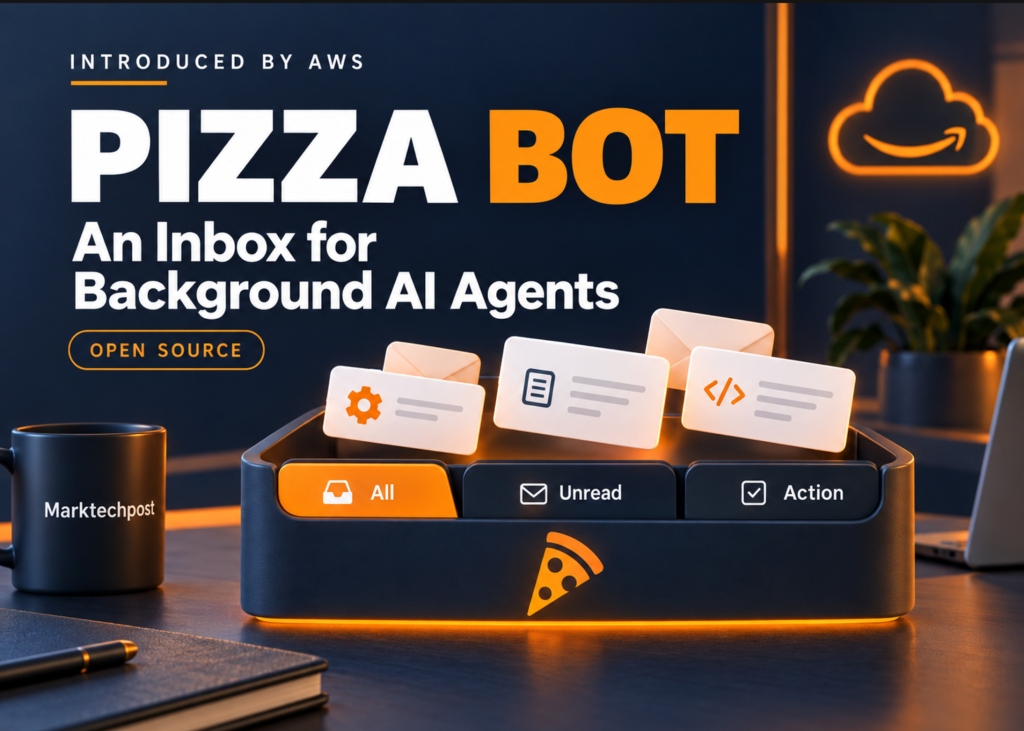
AWS has released Pizza Bot, an open source application designed to manage background AI tasks. It functions as an email-style inbox that sorts finished work and pending decisions for users who are busy elsewhere. The tool previously ran for more than 2,000 employees at Amazon, handling meeting prep, email drafting, Slack summaries, CRM logging, and research. The public version is now available as open source.
Deployment and Licensing
Users can run Pizza Bot on macOS, Windows, or Linux desktops. Browser and terminal clients connect to a local or standalone backend. The code is licensed under Apache 2.0.
An Inbox for Asynchronous Work
The application divides tasks into three categories. The All view shows the full thread history. Unread contains completed work waiting for review. Action holds tasks paused for approval or an answer. Users can sort threads into folders and check delegated workers in the Activity panel. Tasks start manually, via cron schedules, or through webhooks.
The server controls scheduling. If downtime causes missed cron intervals, the system runs one catch-up job instead of replaying every missed interval. Trigger occurrences are recorded durably.
Runtime Mechanics
Pizza Bot uses DeepAgents and LangGraph for stateful execution. A Hono API server manages runtime execution and storage. Electron and browser clients share a React interface. All clients communicate with the server over HTTP and server-sent events. LangGraph checkpoints keep thread state and approval pauses. Separate SQLite stores hold cross-thread memory and application metadata. Reconnecting clients can replay buffered events.
Closing a thread or disconnecting a client does not stop a running server. Quitting the desktop app stops its embedded server and ends active runs. Checkpoints preserve the thread, but the step in flight can be lost. An always-on backend is required for work to continue after the desktop app exits.
Skills, Tools, and Approval Controls
The tool supports Amazon Bedrock, Anthropic, Google Gemini, OpenAI, OpenRouter, and Ollama. Users must configure a provider under Settings > Providers before running tasks.
The agent has scratch-file operations and a sandboxed JavaScript interpreter without network or host-filesystem access. It can delegate through task when ready skill workers exist. The filesystem layer supports explicit folder grants and persistent memory.
MCP servers expose external tools. Each SKILL.md defines a worker’s instructions and scoped tool access. A skill becomes callable only when its declared dependencies are available. Existing Claude Code-compatible .mcp.json configurations are supported, and plugins package skills with MCP servers.
Skill authors configure interruptOn and allowedDecisions to require approval for specific tools. Depending on that policy, users can approve, edit proposed arguments, or reject an action. These controls must be configured for the relevant tools.
Interactive Explainer
The workflow below demonstrates a custom skill. It compares an always-on backend with an embedded desktop server. You can close the client during execution and approve, edit, or reject the proposed action. Animation timing is illustrative; no external actions occur.
WorkerApprovalResult
Start a research brief, then close the desktop while it runs.
Prepare a research brief
The custom skill gates its publish tool with interruptOn.
publish_brief({title: "Research brief"})Desktop closed
Open the desktop to review its inbox.
What it means
This tool changes how people manage AI agents that run while they are offline. Instead of checking a dashboard, users receive notifications in an inbox. They can review completed tasks or approve actions that require human input. The system handles the scheduling and state management, allowing work to continue even if the user closes the desktop application.