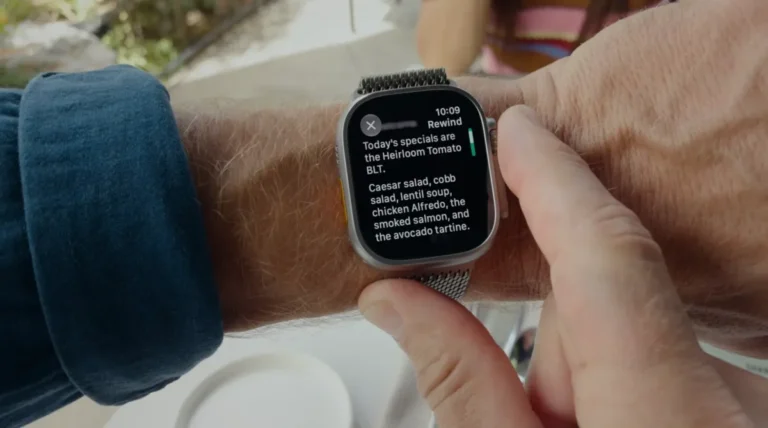
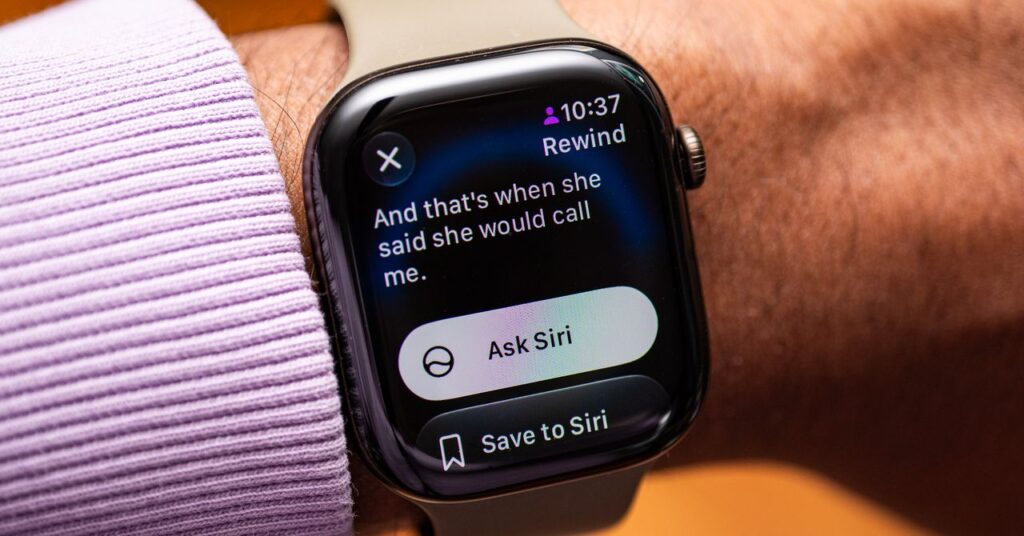
Apple Watch Series 12 and Ultra 4 owners can now use Siri to replay the last 15 seconds of a conversation in text form.
The feature, called Live Rewind, arrived in public beta with watchOS 27.3. Apple expects an official launch before the year ends.
It runs alongside Siri Recap, a tool that summarises daily conversations. Both capabilities are part of Apple’s new Audio Intelligence suite.
How the features work
Live Rewind requires a double-tap of the digital crown on the Apple Watch. Siri then processes the audio locally on the device and displays a transcript of the final 15 seconds. A small chime plays to alert people nearby that recording is active. Text disappears unless the user saves it to the Siri app.
Siri Recap listens to the environment based on user schedules or location triggers, such as arriving at an office. Summaries appear in the Siri app at day’s end. They list key details without identifying speakers. Apple states the system omits content it deems sensitive. Unsaved recaps delete automatically after seven days.
Apple notes that Siri Recap keeps facts neutral and does not attach names to speakers.
Privacy and hardware limits
Both features are opt-in and require an iPhone 16 or newer with iOS 27 and Apple Intelligence. They are unavailable to users under 18 and currently work only in English.
Reem Suleiman, senior campaign director at the nonprofit digital rights group Fight for the Future, raised concerns about bystander consent. She told WIRED that while the wearer opts in, the system records audio from everyone nearby.
Apple says Live Rewind audio cannot be accessed by the system. Siri Recap data uses Private Cloud Compute and is never stored on Apple servers. Data syncing with iCloud is end-to-end encrypted.
Real-world testing
I tested Live Rewind while driving and later while chatting with family. The transcript works in quiet rooms but produces inaccurate text with background noise.
Activating the feature feels disruptive. Pulling out a smartwatch to show a transcript interrupts the flow of conversation. My wife noted that relying on the device to fill gaps could hinder social skills.
Live Rewind is also limited to a 15-second window. In fast-paced talks, I missed parts of what was said because the window closed too quickly.
Siri Recap proved more useful. I set it to record daily and found the battery impact minimal. An Apple Watch Series 12 still lasted a day and a half on a single charge.
However, reviewing the summaries revealed conversations I did not remember having. The system recorded media I was watching on YouTube and Instagram. Apple offers no liveness detection to filter these moments. Users can edit or delete the entries manually.
Siri Recap functions as a memory jogger rather than a detailed meeting minute tool. It lacks the depth of dedicated AI notetakers. For example, a summary of a friend discussing woodworking finishes noted the detail but offered no actionable advice.
For now, the technology captures moments with better privacy controls than some competitors. But the social friction remains. The best approach is to ask people to repeat themselves directly.