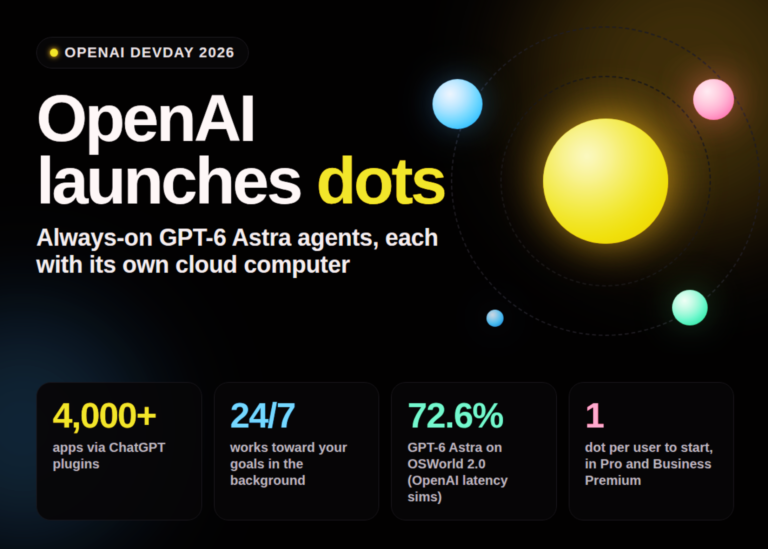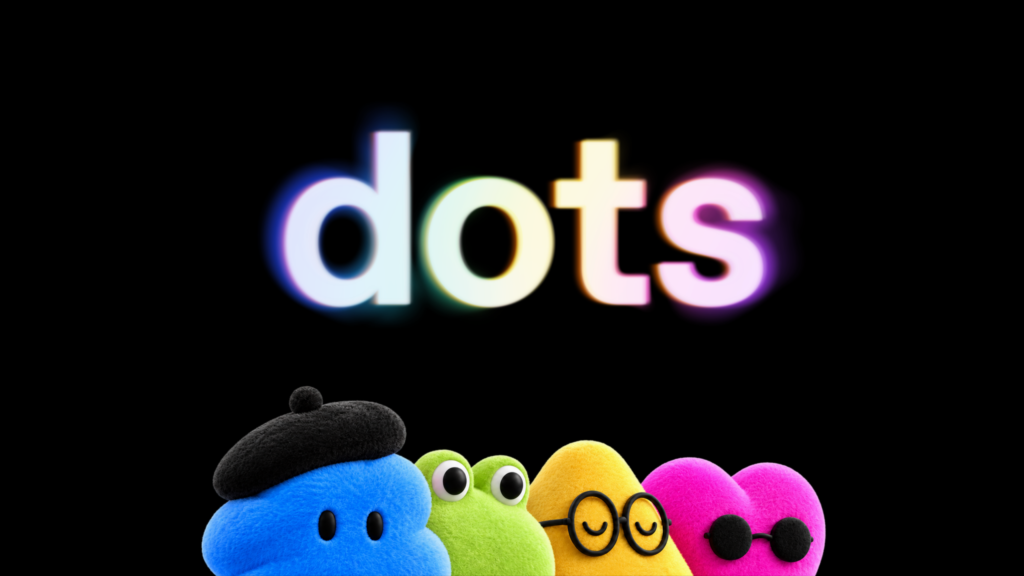
OpenAI has launched Dots, a new line of always-on AI agents designed to run independently on dedicated cloud computers.
The feature appeared at OpenAI’s DevDay 2026 conference. These agents handle ongoing work such as research, data analysis, and coding without waiting for a specific prompt. They operate around the clock, checking in on projects and contacting users only when attention is required.
How the agents work
Each Dot includes a browser and runs on the GPT-6 Astra model. Users can access them via ChatGPT, Slack, or Microsoft Teams. The agents maintain context across these different channels. In demonstrations, the desktop app displays the chat history on the left while a second window shows the agent’s current activity, whether that is a Google Slides presentation or a terminal session.
Plugins allow a Dot to connect to more than 4,000 applications. This lets the agent move several projects forward simultaneously. The system learns from user feedback to understand preferred outcomes. In one internal example, a Dot tracked a bug reported in Slack all the way to a working new build. Another early tester saw an agent spot a forgotten invoice, prepare the document, and send it once the user gave approval.
OpenAI also demonstrated everyday errands, such as ordering food via text message. The company states this feature is arriving soon.
Safety and access limits
Dots operate on their own cloud computers by default. They cannot access a user’s laptop unless given permission. When no one is actively working with the agent, it searches for ways to help in the background. This mode, which OpenAI calls “proactive research,” uses read-only tools. The agents cannot send messages, change content, or control a browser or computer during this phase.
For active tasks, ground rules determine when a Dot acts alone and when it must check in first. Custom Rules let users allow individual actions, require approval, or ban them outright. An automated check reviews any action touching accounts or sharing information against these rules. Sensitive tasks like changing a password always remain with the human.
Safeguards are intended to block malicious instructions. A monitoring system can pause or stop work if safety concerns arise. An Activity View shows what the Dot is working on, including background tasks. OpenAI admits Dots can make mistakes and recommends double-checking any results with real consequences.
By default, OpenAI does not train on content from Business, Enterprise, and Edu workspaces. Users on personal plans decide whether their Dot’s conversations and work can be used for training. The company also states it does not train directly on the background research or internal notes a Dot keeps.
Costs and business plans
The first Dot comes with the subscription. Chatting with it does not count against usage limits. Tasks it initiates in Codex or ChatGPT Work count as usual. Limits are expanded for the first month. Additional agents, faster speeds, or higher work volumes will cost extra later.
Business customers receive more extensive options. These include specialized Dots with fixed roles inside an organisation. They have their own identity, credentials, and, if required, computers supplied by IT. OpenAI has tested them internally in purchasing, invoice processing, email marketing, customer support, and contract management. The rollout begins with pilot projects at individual companies. OpenAI is working with Microsoft to bring these specialised Dots to Agent 365.
One user receives a Dot at launch. The long-term plan involves whole teams of Dots working together. Pro users in Europe cannot access the feature at this time.
What it means
This launch shifts the model from reactive tools to autonomous workers. Users no longer need to start every task manually. The agents handle background maintenance and can step in to resolve issues before they become urgent. However, the requirement for read-only access during idle periods and mandatory approval for sensitive actions means full autonomy is still gated by human oversight.