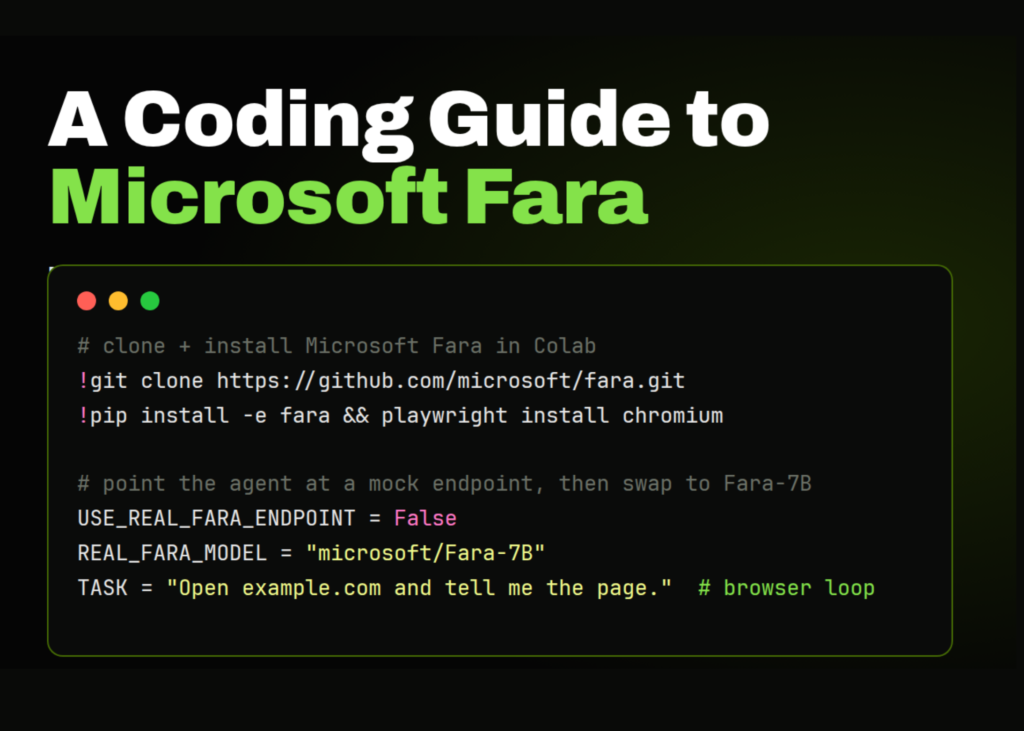
For creators and developers working with agentic workflows, the ability to test browser automation without spinning up a massive 7-billion-parameter model is a game-changer. This guide demonstrates how to deploy Microsoft Fara within Google Colab using a lightweight, mock OpenAI-compatible endpoint. Instead of immediately burdening the environment with the full Fara-7B deployment, we construct a simple server that returns valid browser actions. This setup allows you to validate the entire agent loop-issuing tasks, receiving model-style responses, and executing commands in the browser-before connecting to real infrastructure like Azure Foundry, vLLM, LM Studio, or Ollama.
Setting up the environment
We begin by importing the necessary Python libraries and establishing the configuration parameters for the session. The code defines a flag to toggle between the mock endpoint and a live Fara connection, sets the specific browser task for the agent, and creates the required directory structure for the repository, configuration files, and outputs.
import os
import sys
import json
import time
import socket
import subprocess
import importlib
from pathlib import Path
USE_REAL_FARA_ENDPOINT = False
REAL_FARA_BASE_URL = "http://localhost:5000/v1"
REAL_FARA_API_KEY = "not-needed"
REAL_FARA_MODEL = "microsoft/Fara-7B"
TASK = "Open example.com and tell me what the page is."
WORKDIR = Path("/content/fara_tutorial")
REPO_DIR = Path("/content/fara")
REPO_SRC = REPO_DIR / "src"
OUTPUT_DIR = WORKDIR / "outputs"
ENDPOINT_CONFIG_PATH = WORKDIR / "endpoint_config.json"
MOCK_SERVER_FILE = WORKDIR / "mock_fara_endpoint.py"
WORKDIR.mkdir(parents=True, exist_ok=True)
OUTPUT_DIR.mkdir(parents=True, exist_ok=True)
The script then defines a custom command runner to execute shell operations within the notebook, ensuring output is visible and errors are caught. A helper function is also included to verify server availability on a specific port before proceeding. Finally, the environment confirms the Python version and the working directory to ensure the Colab setup is sound.
Cloning and installing dependencies
We proceed by cloning the Microsoft Fara repository into the Colab environment, or pulling the latest updates if the repository is already present. The installation process covers Fara itself alongside the supporting packages required for the mock endpoint and browser workflow. Crucially, we also install Playwright Firefox support, enabling the agent to control the browser during execution.
os.chdir("/content")
if REPO_DIR.exists():
   print("Fara repo already exists. Pulling latest changes...")
   run_cmd("git pull", cwd=REPO_DIR, check=False)
else:
   run_cmd("git clone https://github.com/microsoft/fara.git /content/fara")
print("\nInstalling Fara and tutorial dependencies...")
run_cmd(
   f'{sys.executable} -m pip install -q "setuptools<82" wheel pip',
   check=True,
)
run_cmd(
   f'{sys.executable} -m pip install -q -e /content/fara fastapi uvicorn requests pillow',
   check=True,
)
if str(REPO_SRC) not in sys.path:
   sys.path.insert(0, str(REPO_SRC))
print("\nInstalling Playwright Firefox browser and system dependencies...")
run_cmd(
   f"{sys.executable} -m playwright install --with-deps firefox",
   check=True,
)
Inspecting the package structure
We inspect the installed Fara package to determine where it is being imported from within the notebook. The code lists the Python files inside the Fara source folder to understand the current package layout. It then attempts to load the Fara action definitions safely, ensuring the tutorial continues to run even if the import paths shift or change.
print("\nInspecting Fara package files...")
try:
   import fara
   print("Imported fara from:", getattr(fara, "__file__", "unknown"))
except Exception as e:
   print("Could not import fara:", repr(e))
print("\nAvailable files inside /content/fara/src/fara:")
if (REPO_SRC / "fara").exists():
   for p in sorted((REPO_SRC / "fara").glob("*.py")):
       print("-", p.name)
else:
   print("Could not find /content/fara/src/fara")
print("\nTrying to inspect Fara action definitions...")
try:
   fara_agent = importlib.import_module("fara.fara_agent")
   action_defs = getattr(fara_agent, "FARA_ACTION_DEFINITIONS", None)
   if action_defs:
       print("\nFara action space:")
       for action_name, arg_names in action_defs.items():
           args = ", ".join(sorted(arg_names)) if arg_names else "no arguments"
           print(f"- {action_name}: {args}")
   else:
       print("FARA_ACTION_DEFINITIONS was not found. Continuing because this step is optional.")
except Exception as e:
   print("Could not import fara.fara_agent directly:", repr(e))
   print("Continuing because this inspection step is optional.")
Deploying the mock endpoint
The core of this tutorial is a FastAPI server that mimics the OpenAI chat completions interface. The script writes the server code to a file, defining two distinct responses: the first call instructs the agent to visit a stable test page, and subsequent calls signal the browser to terminate the session successfully. This allows the agent to perform a full cycle of navigation and reporting without external API costs.
mock_server_code = r'''
from fastapi import FastAPI, Request
import time
app = FastAPI()
STATE = {"calls": 0}
@app.post("/v1/chat/completions")
async def chat_completions(request: Request):
payload = await request.json()
STATE["calls"] += 1
model_name = payload.get("model", "mock-fara-7b")
if STATE["calls"] == 1:
content = (
"I will open a stable public test page so the browser-control loop can be demonstrated.\n"
"{\"name\":\"computer\",\"arguments\":{\"action\":\"visit_url\",\"url\":\"https://example.com\"}}"
)
else:
content = (
"The browser has opened Example Domain, a stable demonstration page used for documentation and examples.\n"
"{\"name\":\"computer\",\"arguments\":{\"action\":\"terminate\",\"status\":\"success\"}}"
)
return {
"id": f"chatcmpl-mock-{STATE['calls']}",
"object": "chat.completion",
"created": int(time.time()),
"model": model_name,
"choices": [
{
"index": 0,
"message": {
"role": "assistant",
"content": content
},
"finish_reason": "stop"
}
],
"usage": {
"prompt_tokens": 100,
"completion_tokens": 50,
"total_tokens": 150
}
}
'''
MOCK_SERVER_FILE.write_text(mock_server_code)
print(f"\nMock endpoint written to: {MOCK_SERVER_FILE}")
if USE_REAL_FARA_ENDPOINT:
endpoint_config = {
"model": REAL_FARA_MODEL,
"base_url": REAL_FARA_BASE_URL,
"api_key": REAL_FARA_API_KEY,
}
else:
endpoint_config = {
"model": "mock-fara-7b",
"base_url": "http://127.0.0.1:8001/v1",
"api_key": "not-needed",Source Read original →Related articles