“`html
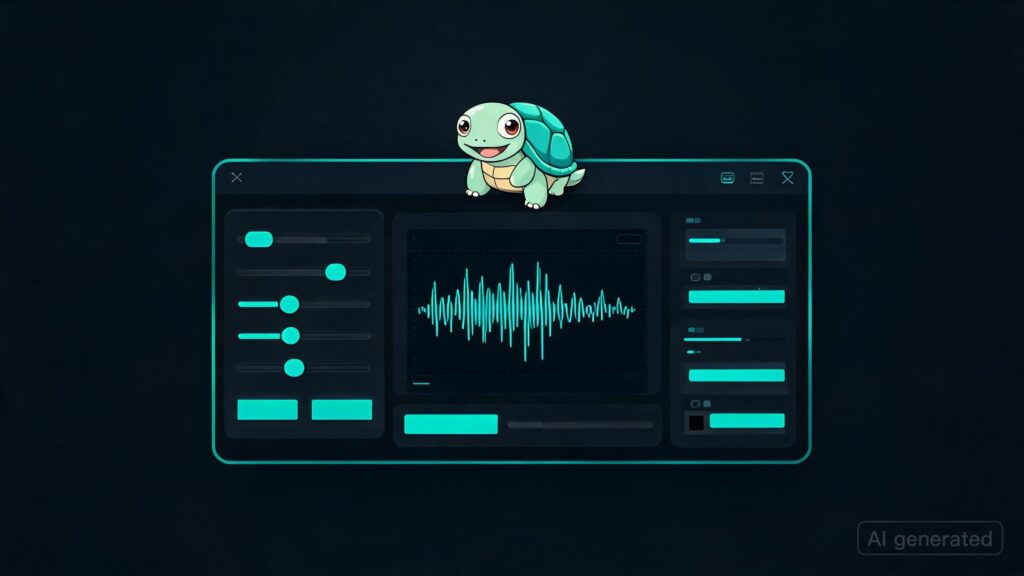
Derpy Turtle: The Kokoro Trainer – A Tool for Enhanced Voice Generation
I’ve been working on a tool called Derpy Turtle: The Kokoro Trainer. It started as a random-walk experiment for generating better local voice outputs by combining Kokoro voices with the RVC voice conversion model. Over time, it has grown into its own thing.
Key Features
- Load a target audio clip: This is where you start by providing the reference audio that you want to match.
- Search and refine Kokoro voices: Derpy Turtle allows you to search through various Kokoro voice models for a suitable match. You can also run multiple searches to refine your selection.
- Create an RVC model: Once you’ve found the right voice, Derpy Turtle lets you train an RVC model from your target audio. This step is crucial for producing a final output that closely matches the reference.
- Generate and refine: After training the RVC model, Derpy Turtle can generate speech using the Kokoro voice you’ve selected. If needed, it also provides an option to pass the generated audio through your trained model for further optimization.
Important Lessons Learned
The key insight was that focusing solely on achieving a high similarity score with Kokoro alone did not yield satisfactory results. Even after extensive runs, the output still lacked the desired realism and nuance.
A more effective strategy involved using Kokoro as the clean speech source while letting RVC handle the final voice identity. This approach significantly improved the quality of the generated output.
The current workflow involves:
- Training an RVC model from clean target audio.
- Running a short Kokoro search/refinement to get stable speech.
- Using the latest RVC model for generation.
- Listening to the final output rather than just relying on the optimizer score, as it often sounds much better even if there isn’t a significant change in the similarity score.
Additional Features and Notes
To get the best results, you need clean training audio. A smaller, more focused dataset performs better than a larger, noisier one.
RVC helps with the voice’s timbre/identity but does not fix issues like bad pacing or pronunciation automatically.
The Kokoro similarity score is pre-RVC, meaning that even if it doesn’t improve significantly, the final converted audio can sound much better due to RVC’s influence.
CUDA support makes a huge difference. On my RTX 3060, using GPU mode cut the run time from approximately 26 hours on CPU to around 4 hours.
The goal was to make local voice experimentation more accessible and user-friendly. I’ve designed everything with this in mind-everything is set up for you to run an .exe, load target audio, train/refine your models, and get usable output without needing to manually wire together multiple tools.
I’ve added this process to my game here. If anyone wants to try it out in practice, they can do so by playing the game. All the voices used are trained using this trainer.
Enjoy!
“`