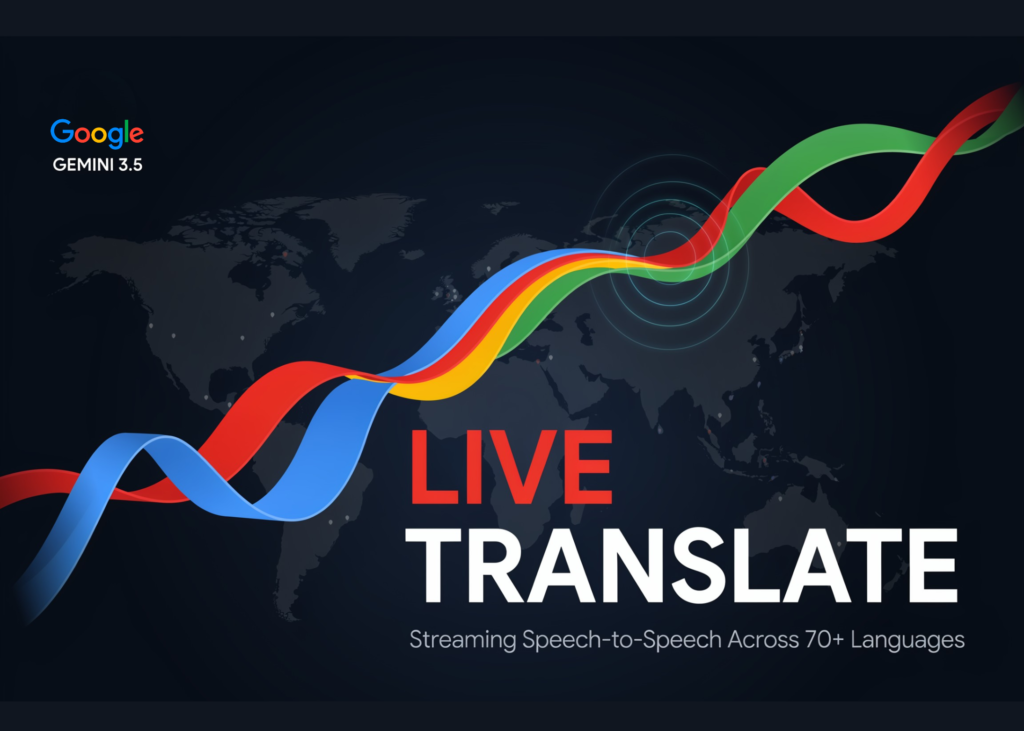
For makers and artists building real-time audio applications, Google has introduced a significant shift in how speech translation is handled. The new Gemini 3.5 Live Translate model moves away from waiting for a speaker to finish a sentence before responding. Instead, it processes audio in a continuous stream, generating translated speech in real-time. This approach ensures the output stays only a few seconds behind the original audio, preserving the speaker’s intonation, pacing, and pitch without the awkward pauses typical of turn-by-turn systems.
Gemini 3.5 Live Translate
This is a dedicated audio model, identified as gemini-3.5-live-translate-preview, designed strictly for speech-to-speech conversion. It accepts audio as it streams in, handling multilingual inputs without requiring manual configuration. Crucially, its noise robustness allows applications to function effectively in loud, unpredictable environments.
The rollout targets three distinct channels. Developers can access the model via public preview through the Gemini Live API and Google AI Studio. Enterprise users receive a private preview within Google Meet starting this month. For general consumers, the feature is available via the Google Translate app on Android and iOS.
How the Continuous Streaming Works
The architectural difference is vital for building responsive features. While conversational agents rely on turn-based interactions, pauses, and interruption handling, Live Translation utilises continuous stream processing. It translates as the speaker talks, eliminating the need to wait for a turn to conclude.
To maintain strict real-time latency thresholds, the translation path accepts audio input only; text input is unsupported in this mode. Furthermore, the model drops tool use and system instructions, focusing the pipeline exclusively on translation rather than acting as a general assistant.
Building With the Live API
Developers configure translation settings within the Live API session setup. This involves defining a translationConfig block inside the generationConfig. The targetLanguageCode field requires a BCP-47 code, such as "pl" or "es", defaulting to "en". The echoTargetLanguage boolean determines whether the model repeats input already in the target language; setting it to true echoes the speech, while false keeps it silent.
Technical specifications are fixed: input is raw 16-bit PCM at 16kHz, mono, little-endian, while output is raw 16-bit PCM at 24kHz, mono, little-endian. Audio must be sent in 100ms chunks. For client-side applications, ephemeral tokens on the v1alpha endpoint are used to prevent API key exposure.
| Dimension | Live Agent | Live Translation |
|---|---|---|
| Model role | Assistant that listens, reasons, and acts | Interpreter / real-time translator pipeline |
| Interaction | Turn-based, with interruption handling | Continuous stream processing, no turns |
| Tools | Function calling, Google Search, instructions | Translation only, no tools or instructions |
| Inputs | Text, audio, video, and image | Audio only, for strict latency |
| Configuration | Generation, speech, tools, instructions | targetLanguageCode and echoTargetLanguage |
Use Case
The model is designed for live interpretation across various settings, including multilingual calls, meetings, lessons, and broadcasts. By offloading complex real-time media streaming infrastructure to platforms like Agora, Fishjam, LiveKit, Pipecat, and Vision Agents, developers can focus entirely on the user experience.
Google’s example app demonstrates dubbing and simultaneous multi-language translation. Meanwhile, Grab is testing the model to facilitate communication between drivers and travellers at pickups, a critical feature given that Grab users make over 10 million voice calls per month. Early reports from CJ ENM, LiveKit, and others indicate positive feedback regarding quality, accuracy, and low latency.
How It Changes Google Meet and Translate
Google confirms that Google Meet will soon integrate Gemini 3.5 Live Translate for speech translation. The update expands capabilities significantly:
| Capability | Previous Meet | With 3.5 Live Translate |
|---|---|---|
| Languages | 5 | 70+ |
| Combinations per meeting | Only to and from English | 2000+ combinations |
| Access | Existing interface | Updated interface for instant access |
The Meet update is currently in private preview for select business Workspace customers this month, with a broader rollout planned for later this year. In the Translate app, the Live translate feature works with any connected headphones, mirroring the speaker’s tone across 70+ languages. Android also introduces a listening mode where users hold the phone to their ear like a regular call; the translated audio then streams through the earpiece without being overheard by others.
Key takeaways
- Gemini 3.5 Live Translate is a dedicated streaming model enabling speech-to-speech translation across 70+ languages with minimal latency.
- Unlike turn-based agents, it processes audio continuously, ensuring the output stays just a few seconds behind the original speaker.
- Developers can configure the model via the Live API, strictly using audio-only inputs (16kHz in, 24kHz out) and setting language codes.
- All generated audio carries an imperceptible SynthID watermark to ensure detectability.