
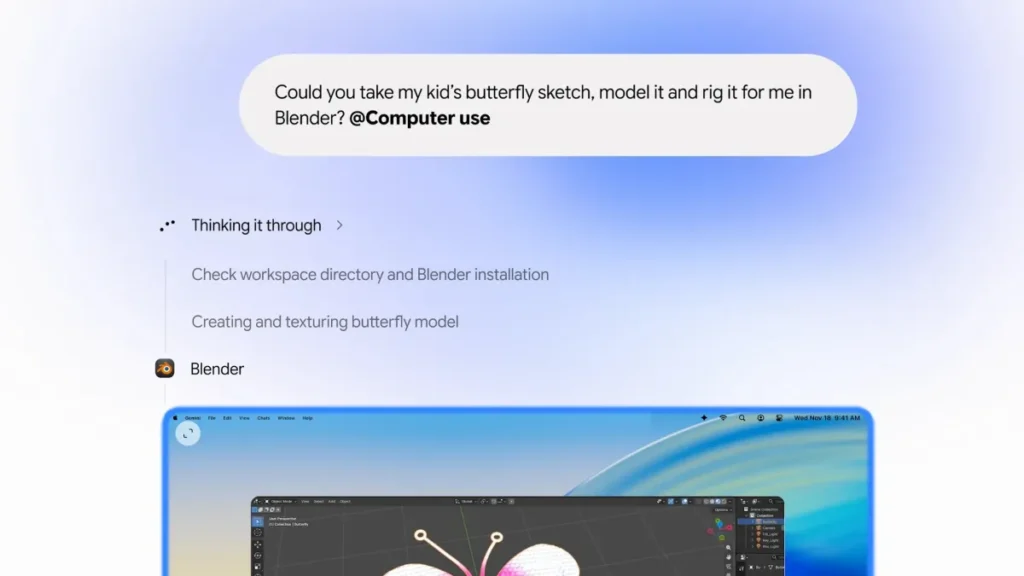
Google announced on Thursday that its Gemini desktop application for macOS can now execute tasks directly on a user’s computer. The feature enables the AI agent to navigate native apps and browse websites in the background while the user continues working on their screen. This update arrives after OpenAI, Anthropic, and Meta already released similar agentic capabilities in their respective desktop tools. Google is also rolling out broader “Tasks” functionality and testing a revamped “CC” agent for family organisation. The new computer use capability allows Gemini to perform multi-step actions involving local files, installed applications, and the web. Users see a live preview of the agent’s work in the chat interface while retaining control over their cursor and screen. Safety measures permit users to pause, stop, or approve specific actions before execution. Google states the tool is intended for repetitive workflows such as filling forms, organising files, and creating slideshows from online data. Access is currently limited to English speakers in the U.S. with a Gemini app installation and a Google AI Plus, Pro, or Ultra subscription. There is no word on when the feature will expand to other markets or platforms.
- Requires Google AI Plus, Pro, or Ultra subscription.
- Available only in English within the U.S. market.
- Actions appear in a live preview within the chat window.