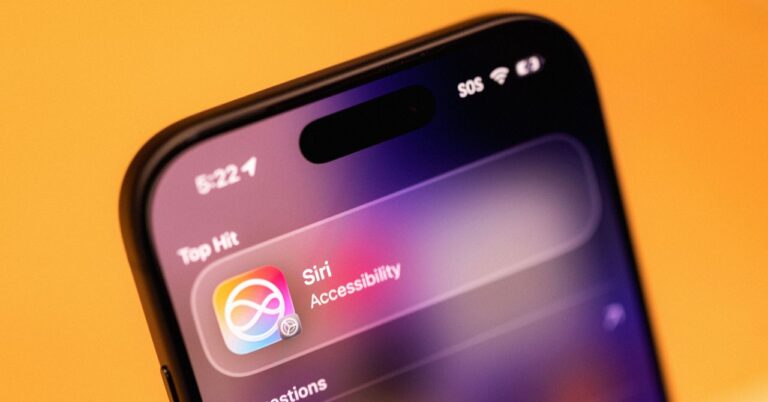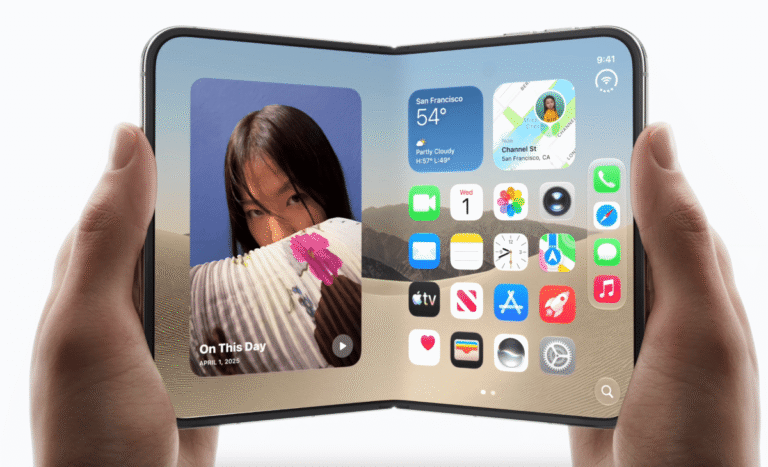
Apple is updating Siri with a new generation of AI capabilities in iOS 27, a move designed to close the performance gap it has faced against newer rivals. The update arrives on iPhone 15 Pro, iPhone 15 Pro Max, and future models like the iPhone 18 Pro and iPhone Duo, which contain the necessary silicon to handle the increased processing load.
Personal Context
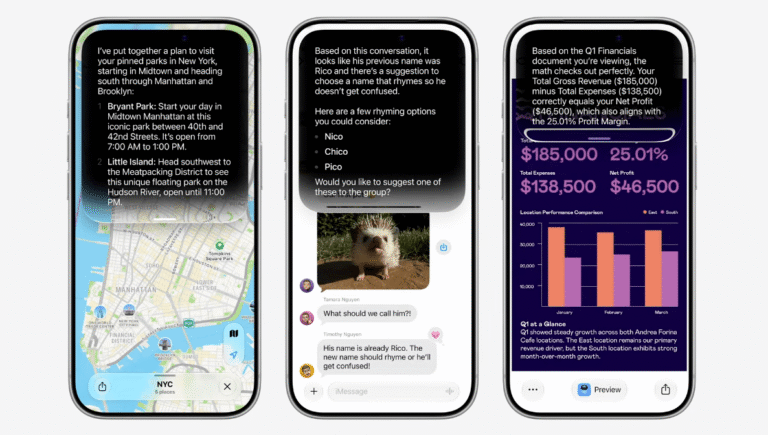
The new Siri AI indexes your device to pull answers from your texts, emails, and calendars. All data remains on the phone and does not leave your device. You can ask questions like “When is my work appraisal?” or “Where did I say I’d meet Mom?” based on stored information. This applies to media as well. You can request photos of a specific pet or images taken on a particular trip using simple prompts.
On-Screen Analysis
Siri can now read content directly on your screen without a screenshot. In Safari, it can summarise text or identify landmarks in images. You can also ask for explanations of settings options or details about an app in the App Store. The camera app includes a Siri mode. Switch to this option and ask about items in view, such as nutritional information on a menu.
Text Generation and Editing
Previous versions relied on a third-party plug-in for text tasks. Siri AI now handles writing and editing internally. You can use it for messages and emails by saying “Hey Siri” or tapping the Write with Siri link. It can adjust tone, expand or shorten sections, and turn notes into paragraphs. You keep final approval and can review changes or edit them manually.
Deeper App Integration
Siri can now take more actions inside your apps. You can create calendar events or switch playlists by voice or text. While some actions were possible before, the new system allows for more natural language prompts to get tasks done. Suggestions may appear automatically, such as a prompt to create an event when receiving a date and time in a text message. Integration with third-party apps is expected to expand over time.
Dedicated App and Knowledge
Apple has launched a dedicated app for Siri AI. This allows you to access conversation history and sync queries across Apple devices. It offers an alternative to voice commands for starting a chat. The update also includes broader world knowledge. Stand-alone questions about history or repairs should yield more complete responses within the app.
Voice Customisation
Adjusting tone, speed, and expressivity requires significant computing power. This feature is limited to the most powerful devices, including the 2026 iPhones and the iPhone 17 Pro and iPhone 17 Pro Max. You can tweak the assistant’s personality and switch voices. Settings on your iPhone allow you to change the default voice and manage how long chats are stored in history.
What it means
Users with compatible hardware can expect a more responsive assistant that understands context without needing to upload data. The ability to edit text directly and perform actions within apps reduces the friction of managing daily tasks. The new app provides a clearer record of interactions, though the full extent of third-party app integration will depend on future updates.