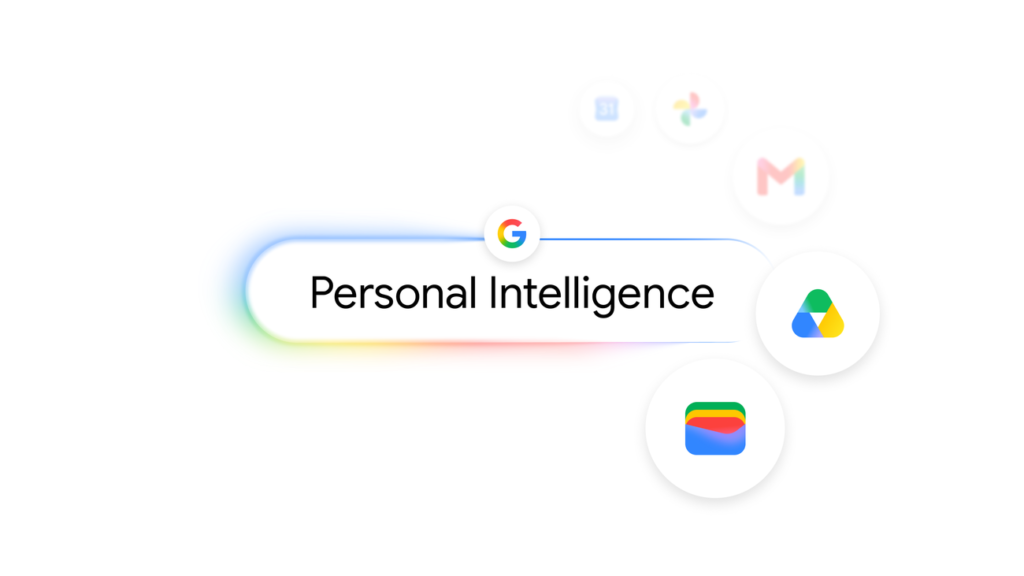
Google is rolling out a feature that lets users connect Google Wallet, Google Drive, and the Gemini app to its AI Search mode, starting today.
The update is called Personal Intelligence. It allows the search engine to pull context from your spending records, documents, and chats to generate more specific answers. Gmail, Calendar, and Photos already provide this data. Google plans to add Drive and the Gemini app in the coming weeks.
Connecting Google Wallet
Users can link Google Wallet to Personal Intelligence in both AI Mode and the Gemini app. This connection helps map financial milestones and suggests ways to reduce everyday costs. It also allows the system to optimise credit card benefits, such as cash-back categories, travel perks, and reward points, based on linked cards.
If you choose to connect your Wallet, AI Mode reads information from your accounts only. It cannot move, manage, or invest your money.
Using Google Drive
Connecting Google Drive helps when important information needed for a project or decision is scattered across docs, sheets, or PDFs. The system uses this context to generate helpful responses. An example given is a personalised preparation plan for tax season.
Linking the Gemini app to Search
In the coming weeks, users will be able to share context between the Gemini app and AI Mode in Search. If you explore an idea in the Gemini app, AI Mode can use that foundation to build on. You can already connect Search history to Personal Intelligence in the Gemini app. Soon, you can also securely connect your Gemini app to Personal Intelligence in AI Mode.
How to set it up
To connect your apps, open Search Personalization, select Connected Apps, and choose the apps you want to link. You decide when to opt in and can turn connections on or off at any time.
You always control your personalisation settings. Soon, you will be able to view the context AI Mode uses via the “Personalisation” icon below any tailored response. If you want to edit something, simply tell AI Mode what to change. For instance, you can respond in a thread with “I’m no longer a vegetarian.”
You will also see more personally relevant responses in AI Overviews and AI Mode, tailored to your recent search context. If you have been researching a trip, you can pick up where you left off in a new search thread without repeating yourself. You can adjust or turn off personalisation at any time in your Search Settings.
What it means
The change means your search results will reflect your specific life data rather than just general queries. You can stop re-explaining your situation in every new conversation. The system will remember your financial habits and document history to give you answers that fit your current situation.