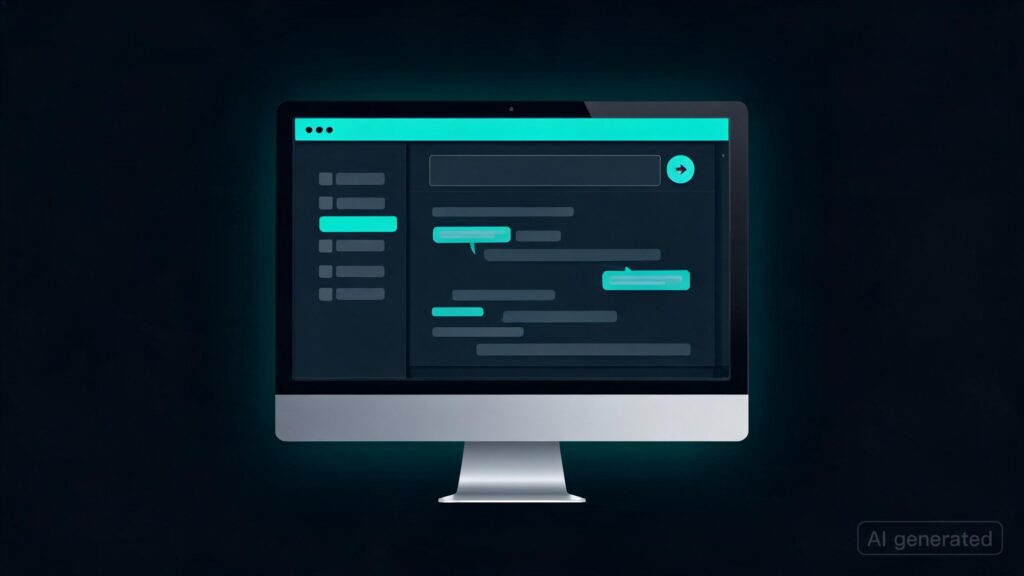
 | Hi all, I have been making a lot of updates to my project, and I wanted to share them here. TextGen (previously text-generation-webui, also known as my username oobabooga or ooba) has been in development since December 2022, before LLaMa and llama.cpp existed. In the last two months, the project has evolved from a web UI to a no-install desktop app for Windows, Linux, and macOS with a polished UI. I have created a very minimal and elegant Electron integration for that. (Did you know LM Studio is also a web UI running over Electron? Not sure many people know that.) It works like this:
There is no installation, and no files are ever created outside the extracted folder. It’s fully self-contained. All your chat histories and settings are stored in a There are builds for CUDA, Vulkan, CPU-only, Mac (Apple Silicon and Intel), and ROCm. Some differentiating features:
I write this as a passion project/hobby. It’s free and open source (AGPLv3) as always:
|
Key Takeaways
– TextGen has evolved from a web UI to a no-install desktop app for Windows, Linux, and macOS.
– The project now supports CUDA, Vulkan, CPU-only, Mac (Apple Silicon and Intel), and ROCm builds.
– It includes built-in support for tool-calling via HTTP MCP servers, single-file .py tools, and stdio MCP servers with confirmations.
– TextGen maintains full privacy by not sending data to a server on every launch.