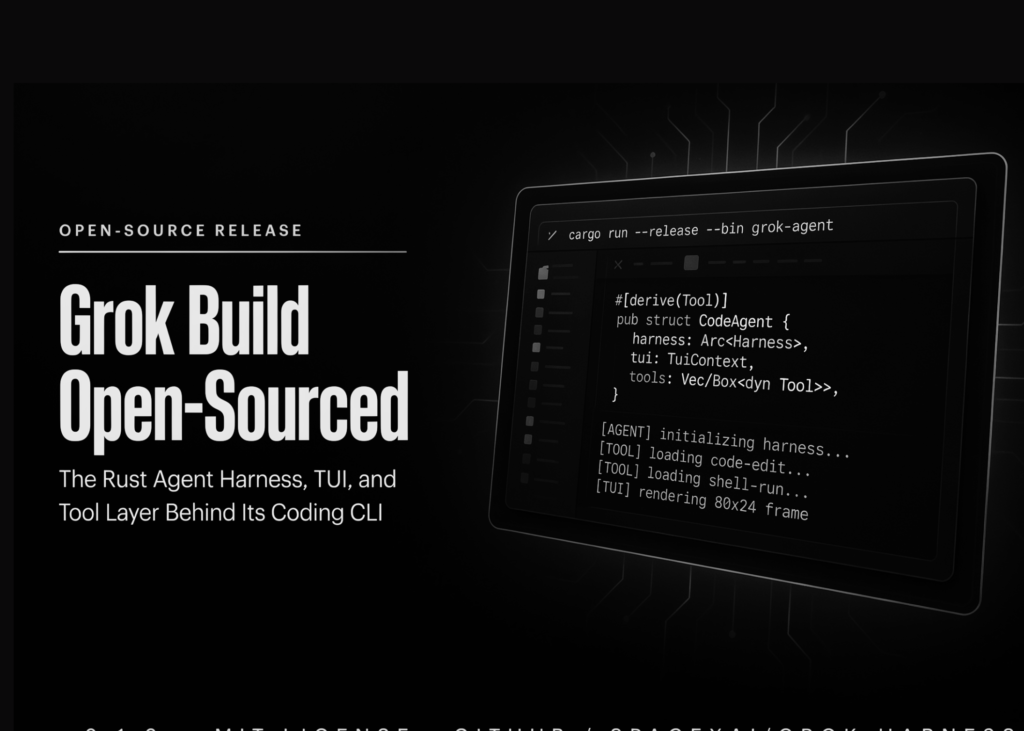
SpaceXAI has released the Grok Build source code on GitHub. The repository contains the agent harness, terminal user interface, CLI shell, and developer tooling under an Apache 2.0 license.
What is Grok Build
A harness provides the structure around an AI model. It gathers context, sends requests to the model, parses the replies, and triggers tool calls.
Grok Build launched as a beta on 25 May 2026. The agent understands your codebase, edits files, runs shell commands, and searches the web. It also manages long-running tasks. The interface runs as a full-screen, mouse-interactive terminal user interface.
Three entry points exist. There is the interactive terminal user interface, a headless mode for scripting and continuous integration, and editors that embed it through the Agent Client Protocol.
What does the published area contain
SpaceXAI lists four main areas. The agent loop covers context assembly, response parsing, and tool-call dispatch. The tools cover how the agent reads, edits, and searches code. The terminal user interface covers rendering, input handling, plan review, and the inline diff viewer. The extension system covers skills, plugins, hooks, Model Context Protocol servers, and subagents.
Those areas map onto named Rust crates:
| Path | Contents |
|---|---|
crates/codegen/xai-grok-pager-bin | Composition-root package; builds the xai-grok-pager binary |
crates/codegen/xai-grok-pager | The TUI: scrollback, prompt, modals, rendering |
crates/codegen/xai-grok-shell | Agent runtime plus leader/stdio/headless entry points |
crates/codegen/xai-grok-tools | Tool implementations (terminal, file edit, search) |
crates/codegen/xai-grok-workspace | Host filesystem, VCS, execution, checkpoints |
third_party/ | Vendored upstream source (Mermaid diagram stack) |
Read that table as a reading order. Start at xai-grok-shell for the loop, then xai-grok-tools. One build note is easy to miss. The root Cargo.toml is generated, and the README says to treat it as read-only.
How does the local-first path work
SpaceXAI frames one practical outcome beyond inspection. Grok Build can now run fully local-first. Compile it yourself, point it at local inference, and drive everything from config.toml.
# ~/.grok/config.toml  (Windows: %USERPROFILE%\.grok\config.toml
[model.my-model]
model = "model-id"
base_url = "https://api.example.com/v1"
name = "Display Name"
env_key = "API_KEY"

[models]
default = "my-model"
The grok inspect command prints what the harness discovered in the current directory. That covers config sources, instructions, skills, plugins, hooks, and Model Context Protocol servers.
How does Grok Build compare
| Agent | First-party license | Fork and modify | Model choice | External PRs |
|---|---|---|---|---|
Grok Build (xai-org/grok-build) | Apache 2.0 | Permitted | Any, via config.toml | Not accepted |
Codex CLI (openai/codex) | Apache 2.0 | Permitted | OpenAI models | Open PR queue |
OpenCode (anomalyco/opencode) | MIT | Permitted | 75+ providers | Community project |
| Claude Code | Proprietary | Not granted | Anthropic models | n/a |
Use cases and examples
Four uses hold up today.
- Audit before adoption: Read
xai-grok-toolsbefore letting an agent run shell commands in a regulated repo. - Fork for an internal harness: Apache 2.0 permits it; upstream merge is not on offer.
- Air-gapped runs: Compile locally, set
base_urlto an internal endpoint, and skipapi.x.ai. - CI automation: Headless mode feeds structured output into a pipeline step.
# Prebuilt binary (macOS, Linux, Windows)
curl -fsSL https://x.ai/cli/install.sh | bash
grok --version

# Or build from source (needs protoc and the pinned Rust toolchain)
cargo build -p xai-grok-pager-bin --release   # -> target/release/xai-grok-pager

# Audit path: per-crate commands, because full-workspace builds are slow
cargo check -p xai-grok-tools
cargo test -p xai-grok-config
cargo clippy -p xai-grok-shell

# Headless run with machine-readable output
grok -p "Explain the architecture" --output-format streaming-json

# Route one run through a model declared in ~/.grok/config.toml
grok inspect
grok -p "Hello" -m my-model
Check out the GitHub repo, the announcement, and the documentation.