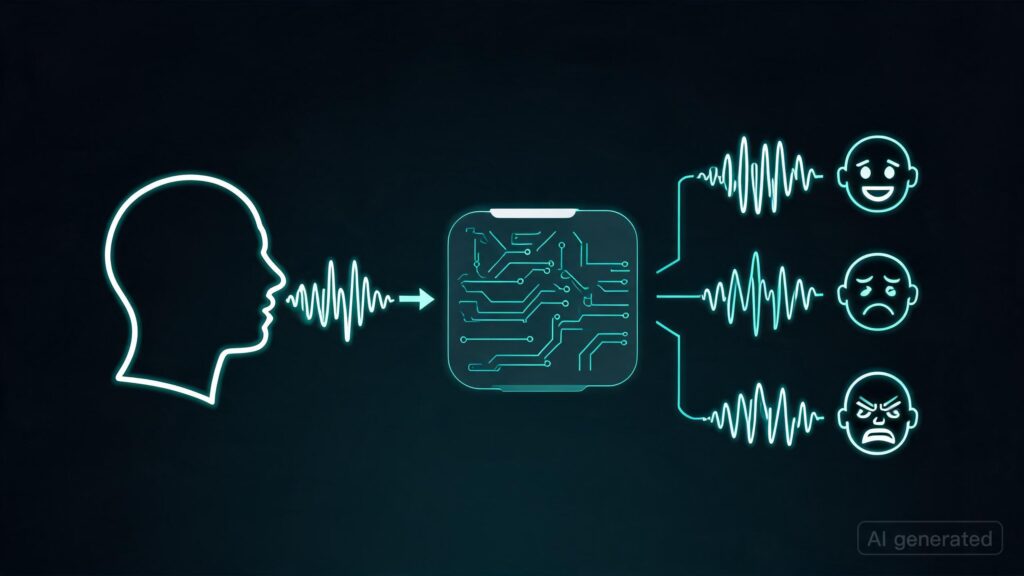
| We’ve been building Scenema Audio as part of our video production platform at scenema.ai, and we’re releasing the model weights and inference code. How it worksThe core idea: emotional performance and voice identity are independent. You describe how the speech should be performed (rage, grief, excitement, a child’s wonder), and optionally provide reference audio for voice identity. The reference provides the "who." The prompt provides the "how." Any voice can perform any emotion, even if that voice has never been recorded in that emotional state. Limitations (and why we still use it)This is a diffusion model, not a traditional TTS pipeline. Common issues include repetition and gibberish on some seeds. Different seeds give different results, and you will not get a perfect output with 0% error rate. This model is meant for a post-editing workflow: generate, pick the best take, trim if needed. Same way you’d work with any generative model. That said, we keep coming back to Scenema Audio over even Gemini 3.1 Flash TTS, which is already more controllable than most TTS systems out there. The reason is simple: the output just sounds more natural and less robotic. There’s a quality to diffusion-generated speech that autoregressive TTS doesn’t quite match, especially for emotional delivery. Audio-first video generationWe’ve used Scenema Audio in some cases to generate audio first and then use it to drive video generation with A2V pipelines. Here’s an example of that workflow in action: here. On distillation and speedA few people have asked this. Our bottleneck is not denoising steps. The diffusion pass is a small fraction of total generation time. The real costs are elsewhere in the pipeline. We’re already at 8 steps (down from 50 in the base model), and that’s the sweet spot where quality holds. Prompting mattersThis model is sensitive to prompting, just like LTX 2.3 for video. A generic voice description gives you generic output. A specific, theatrical description with action tags gives you a performance. There’s also a Complex words and proper nouns benefit from phonetic spelling. Unlike traditional TTS, it doesn’t have a phoneme-to-audio pipeline or a pronunciation dictionary. If it garbles "Tchaikovsky," you would spell it "Chai-koff-skee" or whatever makes sense to you. Docker REST API with automatic VRAM managementWe built this as a Docker container with a REST API. It’s the same setup we use in production on scenema.ai. The service auto-detects your GPU and picks the right configuration:
Key Takeaways
Source Read original → Related articles![Scenema Audio: Zero-shot expressive voice cloning and speech generation [N]](https://ai-maestro.online/wp-content/uploads/2026/05/scenema-audio-zero-shot-expressive-voice-cloning-and-speech--768x432.jpg)   |
Scenema Audio: Zero-shot expressive voice cloning and speech generation
We’ve been building Scenema Audio as part of our video production platform at scenema.ai, and we’re releasing the model weights and inference…