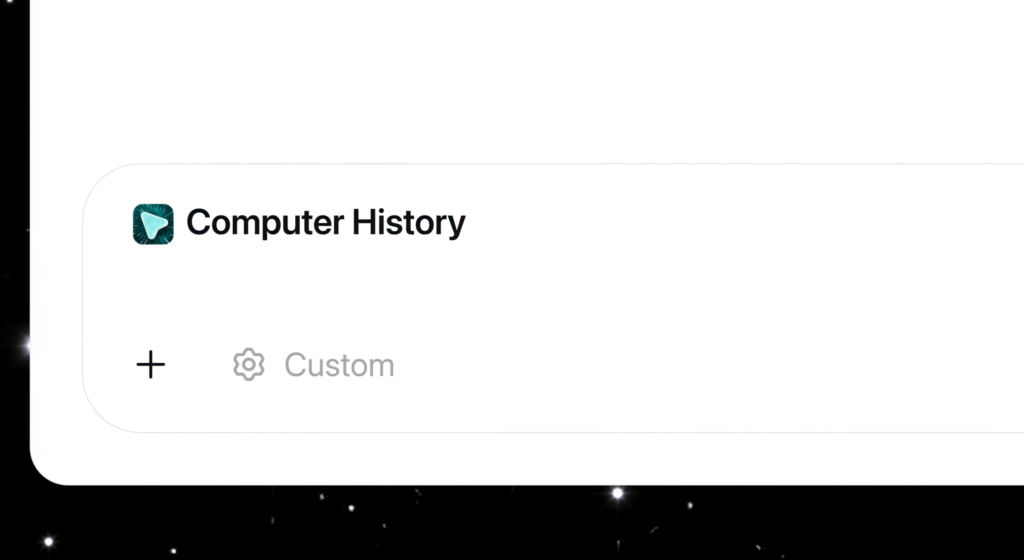
OpenAI has launched Computer History, a tool that records your clicks and keystrokes to build a searchable timeline of your digital activity for use with ChatGPT and Codex.
This update replaces the previous research preview known as Chronicle. Unlike its predecessor, which relied on screenshots, Computer History logs interaction events such as mouse clicks, keystrokes, keyboard shortcuts, and app switches. The system reads this data through macOS’s accessibility framework. It does not capture screenshots, screen recordings, microphone input, or system audio. Activity within private browsing mode is also excluded, according to OpenAI.
The system periodically converts these events into text summaries and saves them locally as Markdown memory files. The timeline view organises these summaries by day and time, indicating which applications were active.
Repeated workflows turn into reusable skills
The tool identifies recurring patterns in user behaviour. When ChatGPT detects repeatable activity, the timeline suggests a “Skill” or automation. Users can then ask Codex to generate a reusable template from the recorded workflow.
Common applications include locating recently edited documents or creating standup summaries. ChatGPT can pull from the recorded activity to find the correct source and access it directly.
Admins and users both have to opt in
OpenAI has implemented a multi-layered permission system. In Business and Enterprise workspaces, an administrator must explicitly enable the feature first. This step alone does not activate the tool, however, because each individual user must still provide consent. The Memories feature must also be turned on.
Users control which applications and websites contribute data through include and exclude lists. Recording can be paused or resumed at any time via the macOS menu bar. The feature is currently unavailable in the European Economic Area, Switzerland, and the United Kingdom.
Memory files are stored locally but not encrypted
Temporary event files sit on the Mac within the ChatGPT app group and are deleted after 48 hours. The memory files generated from them remain as plaintext Markdown on the local file system until the user manually deletes them.
These files are not encrypted. Any program running under the same macOS user account could potentially read them. To generate the memories, OpenAI processes the temporary event files on its servers but states it does not keep them after processing, unless required by law.
The files are not used for AI training, OpenAI says. However, when memories appear as context in later chats, those chat contents may still become training data depending on the user’s data control settings.
OpenAI itself warns about prompt injection risks
OpenAI’s documentation flags a heightened prompt injection risk. Because Computer History captures content from applications and websites, malicious instructions embedded on a webpage could trick ChatGPT or Codex into following them.
The company advises against using the feature with communication apps unless everyone in the conversation has given explicit consent. For apps handling sensitive health, financial, or personal data, OpenAI recommends pausing recording or excluding those applications entirely.
What it means
Users effectively hand over control of their machine’s input to the AI model. This allows the system to learn specific habits, such as how a user opens a file or formats a report, and automate those steps. The trade-off is that raw interaction data sits on the drive in plain text and is processed on external servers, creating potential security and privacy concerns if the user account is compromised or if the user chooses to share that data.