If you have been running language models locally with Ollama and wondering whether a cloud-hosted version changes the equation, the honest answer is: it depends entirely on what you are actually doing with it.
This is not the answer the marketing copy gives you. It is the answer you get after running Ollama inside a Proxmox LXC container serving a fleet of autonomous bots, routing inference through LiteLLM, and watching what happens when the container goes offline at 3am during a live trading signal window.
What Ollama Actually Is in 2026
Ollama started as a dead-simple way to run open-weight models locally, pull a model, serve it on localhost:11434, done. It has grown into something more useful: a unified runtime for quantised GGUF models with a clean API surface that mimics OpenAI’s completions format. Drop it behind LiteLLM and your application does not know or care whether inference is local or remote.
The “cloud” option now means one of three things in practice:
- Ollama’s own hosted API, limited availability at time of writing, essentially Ollama serving open-weight models behind managed infrastructure. Same API format, zero setup.
- Running Ollama on a cloud GPU instance, you rent a GPU VM (RunPod, Lambda Labs, Vast.ai), install Ollama, point your application at it. You own the stack, you pay the GPU hours.
- Open-weight models via third-party APIs, Groq, Together.ai, Fireworks serve the same models (Llama 3, Qwen, Mistral) via API. Technically not Ollama, but functionally the same models.
The Local Case: What It Actually Looks Like
Running Ollama on a homelab Proxmox node, even CPU-only for smaller models, gives you something cloud cannot match: always-on, zero-latency-to-your-LAN, zero-per-token cost inference.
A practical setup for a multi-bot estate running on LXC containers with CPU inference:
- Model: Qwen 2.5 3B (16K context, Q4 quantisation), fast enough for conversational bot responses, fits in 4GB RAM
- Keepalive timer: holds the model resident between requests, without it, Ollama unloads after 5 minutes and you pay a 45-second cold start on every first request
- LiteLLM proxy in front: local Ollama first, cloud API fallback if local is unavailable or the task requires a larger model
The result: bot responses in 3–8 seconds for a 200-token reply. Not fast by API standards, but free, private, and available at 3am when you are debugging a live system and need the bots to be responsive.
The Honest Limitations of Local
CPU inference is slow. That 3–8 second response time is a Qwen 2.5 3B on a CPU. Scale up to Llama 3 70B on the same hardware and you are looking at 2–5 minutes per response, unusable for anything interactive.
The model ceiling is real. Consumer hardware limits you to models that fit in your VRAM (GPU) or RAM (CPU). For most homelab setups that means 7B–13B parameter models at most. Genuinely capable reasoning at the level of Claude 3.5 or GPT-4o requires either a GPU cluster or an API.
Cold start is a genuine operational irritant. Without the keepalive timer, Ollama unloads models from memory after inactivity. The first request after a quiet period pays the full load time, 30–60 seconds for a 7B model. In a production context this needs explicit management.
Cloud GPU: When It Makes Sense
Cloud GPU instances unlock model sizes that homelab hardware cannot run. An A100 80GB can serve Llama 3 70B with comfortable headroom. The economics:
| Setup | Cost | Model ceiling | Latency | Privacy |
|---|---|---|---|---|
| CPU local (Ollama) | ~£0/month | 7B–13B | 3–60s | Full |
| Consumer GPU local (RTX 3090) | £300–500 one-time | 30B at 4-bit | 0.5–5s | Full |
| Cloud GPU (RunPod A100) | $1.50–3.50/hr on-demand | 70B+ comfortably | 0.3–2s | Depends on ToS |
| Third-party API (Groq, Fireworks) | $0.05–1.00/MTok | 70B (hosted) | 0.1–0.5s | Data leaves network |
Cloud GPU makes sense when you need a larger model for a burst workload and do not want to run hardware 24/7. A batch processing job, a fine-tuning run, a high-throughput period, spin up, run the job, tear it down. Paying $3/hr for 4 hours is $12. Buying the hardware for the same job might be £2,000.
It does not make sense as a persistent inference endpoint. A GPU instance running 24/7 costs £50–200/month. At that point, buying a second-hand RTX 3090 and running locally costs less within six months and gives you full control.
Ollama Cloud API: The Emerging Option
Ollama’s hosted API serves open-weight models with the same format you already use locally, which means switching from local to hosted is a single endpoint change in your LiteLLM config. No code changes.
The advantage: zero infrastructure to manage. No GPU to maintain, no keepalive timers, no container to monitor. The disadvantage: you are now paying per token and depending on Ollama’s availability, which is more constrained than OpenAI or Anthropic at time of writing.
For teams where the operational overhead of running local inference outweighs the cost savings, it is a reasonable middle ground, open models, familiar API, managed infrastructure.
The Hybrid Architecture That Actually Works
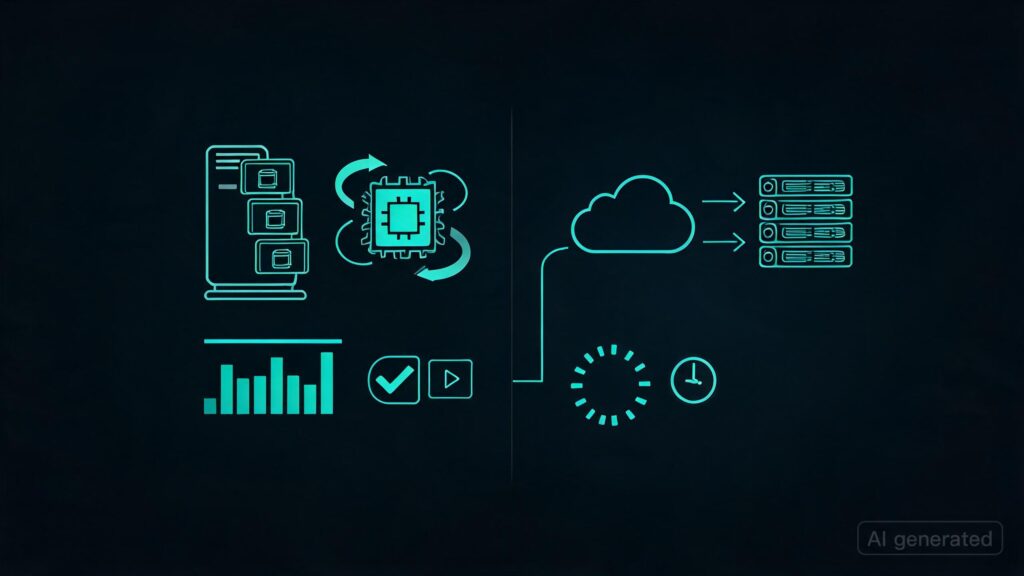
- Local Ollama for always-on, latency-tolerant tasks, bot conversations, light summarisation, drafting, anything where 5-second responses are acceptable and privacy matters
- API LLM for reasoning-intensive tasks, complex analysis, code generation, anything where quality matters more than cost
- LiteLLM as the routing layer, define model priorities per use case, automatic fallback if local is down, unified API surface for all models
- Cloud GPU on-demand for burst, fine-tuning runs, processing large batches, tasks that need 70B+ for a finite window
This is not a pure local play or a pure cloud play. It is a routing problem, and LiteLLM solves the routing problem well.
Key Takeaways
- Local Ollama is compelling for always-on, cost-free, privacy-preserving inference, but CPU inference is slow and the model ceiling is real without a GPU.
- A consumer GPU (RTX 3090/4090) changes the local equation dramatically, 30B models at reasonable speed without ongoing costs.
- Cloud GPU instances make economic sense for burst workloads, not as persistent endpoints. Running one 24/7 is almost always more expensive than buying hardware.
- Third-party APIs (Groq, Together, Fireworks) serve the same open-weight models much faster than local CPU, useful for latency-sensitive tasks without a GPU.
- Ollama’s cloud API is useful for teams who want open models without the operational overhead of local infrastructure.
- The answer is almost never all-local or all-API. It is a routing layer that sends each task to the right inference endpoint based on latency, cost, and privacy requirements.