“`html
How to Build Knowledge Graph Generation Pipelines From Text With kg-gen, NetworkX Analytics, and Interactive Visualizations
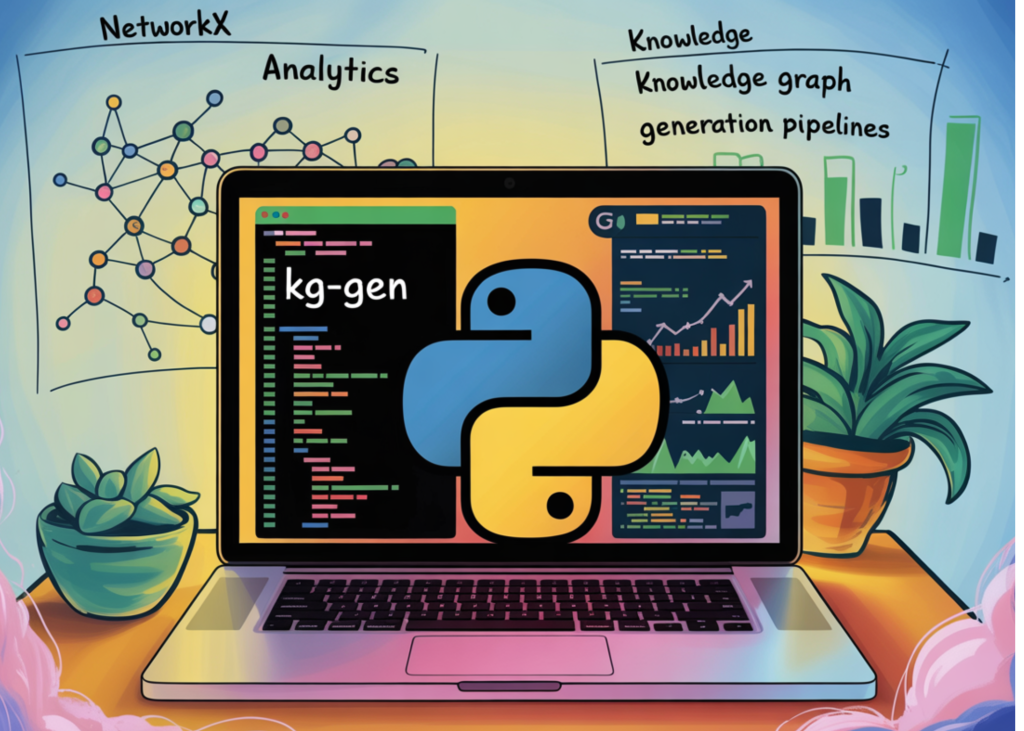
In this tutorial, we will generate knowledge graphs from plain text, conversations, and multiple source documents using kg-gen. We start by setting up the required dependencies and configuring an LLM through LiteLLM, then we extract entities, predicates, and relationships from simple text. As we move forward, we work with longer passages using chunking and clustering, combine knowledge graphs from different sources, visualize graph structures, and analyze them using NetworkX. By the end, we will build a complete workflow that turns unstructured text into an interpretable, searchable, visual, and exportable knowledge graph.
Section 1, Basic Extraction
We begin by installing all the required libraries for knowledge graph generation, graph analytics, and visualization. We then import the core packages, including kg-gen, NetworkX, PyVis, Matplotlib, and display utilities for Colab. We also configure the API key and initialize KGGen with the selected model so that we can start generating graphs from text.
Section 2, Chunking + Clustering on a Long Passage
We first test kg-gen on a simple family relationship example to extract entities, edges, and relations. We then move to a longer AI-focused passage where we use chunking to handle larger text and clustering to merge similar entities or relationship types. We print the extracted graph components and inspect entity clusters to understand how the model organizes related concepts.
Section 3, Conversation Extraction
We use a conversation-style input to show how kg-gen extracts structured relations from user-assistant messages. We then generate separate graphs from multiple text sources, aggregate them, and apply clustering to resolve related entities such as “Joe” and “Joseph.” We also try the built-in visualization feature and display the generated HTML graph inside Colab.
Section 4, Aggregating Multiple Sources
We generate separate graphs from multiple text sources, aggregate them, and apply clustering to resolve related entities such as “Joe” and “Joseph.” We also try the built-in visualization feature and display the generated HTML graph inside Colab.
Section 5, Built-in Viz
We use a conversation-style input to show how kg-gen extracts structured relations from user-assistant messages. We then generate separate graphs from multiple text sources, aggregate them, and apply clustering to resolve related entities such as “Joe” and “Joseph.” We also try the built-in visualization feature and display the generated HTML graph inside Colab.
Section 6, NetworkX Analytics
We use a conversation-style input to show how kg-gen extracts structured relations from user-assistant messages. We then generate separate graphs from multiple text sources, aggregate them, and apply clustering to resolve related entities such as “Joe” and “Joseph.” We also try the built-in visualization feature and display the generated HTML graph inside Colab.
Section 7, Custom PyVis Viz
We use a conversation-style input to show how kg-gen extracts structured relations from user-assistant messages. We then generate separate graphs from multiple text sources, aggregate them, and apply clustering to resolve related entities such as “Joe” and “Joseph.” We also try the built-in visualization feature and display the generated HTML graph inside Colab.
“`
Key Takeaways
- The tutorial demonstrates how to use kg-gen for knowledge graph generation from plain text, conversations, and multiple source documents.
- It shows how chunking and clustering can be used with longer passages to handle more complex data structures.
- Visualization using PyVis is provided to help understand the structure of generated knowledge graphs.
“`