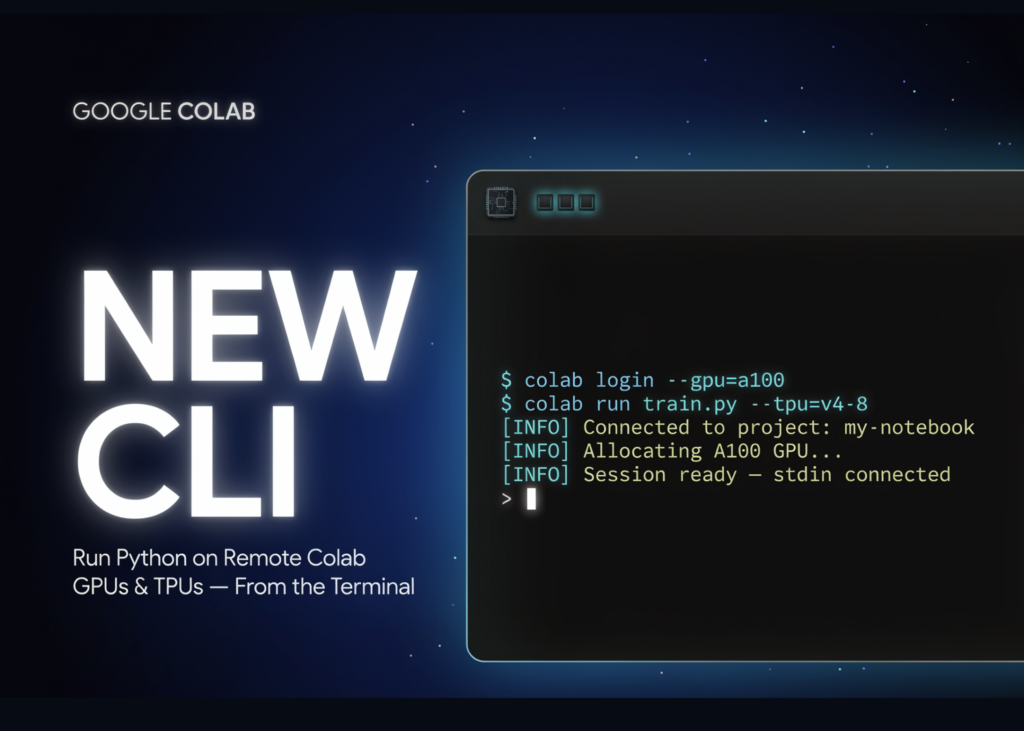
Google has just released the Colab CLI, a new command-line interface that bridges your local terminal with Google’s remote computing infrastructure. This tool allows developers and autonomous AI agents to execute Python code directly on cloud GPUs and TPUs without ever leaving the shell. The entire workflow remains terminal-native, and the project is open source under the Apache 2.0 licence.
What is Google Colab CLI
The Colab CLI transforms the Google Colab environment into a programmable interface. Users can provision sessions, execute code, and manage file systems entirely from the command line.
Crucially, any agent possessing terminal access can invoke this tool. This includes major players like Claude Code, Codex, and Google’s own Antigravity. To facilitate this, Google provides a pre-packaged skill file named COLAB_SKILL.md, which offers agents built-in context on how to utilise the CLI effectively.
Getting started is straightforward. Installation requires just a single command via uv tool install pulled directly from the GitHub repository.
uv tool install git+https://github.com/googlecolab/google-colab-cliA minimal workflow looks like this:
colab new                              # provision a CPU session
echo "print('hello')" | colab exec     # run code
colab stop                             # release the VM
How the Commands Work
The CLI organises functionality into four main categories: sessions, execution, files, and automation. The colab new command provisions a runtime session, defaulting to a CPU environment. To access hardware acceleration, users append flags such as --gpu T4, --gpu L4, --gpu A100, or --gpu H100. For Google TPUs, the options are v5e1 and v6e1.
The colab exec command runs Python code sourced from standard input, a .py file, or a notebook. It reads files locally and transmits their contents to the remote environment, meaning local edits do not require a separate upload step. The colab stop command terminates the session and frees the virtual machine.
Additional commands handle file management and authentication. colab upload and colab download transfer files between the local machine and the remote runtime. colab drivemount mounts Google Drive, defaulting to the /content/drive path. colab auth authenticates the VM for access to Google Cloud services.
colab exec and Artifact Recovery: The Core Loop
The workflow is streamlined. You provision a runtime, execute a script, and then retrieve your results. colab download fetches models, datasets, and other generated files. colab log exports session history into formats such as .ipynb, .md, .txt, or .jsonl.
Consequently, a remote execution becomes a replayable notebook stored locally. For interactive access to the VM, colab repl and colab console are available. colab install handles package installation using uv, falling back to pip if necessary. Session metadata is persisted at ~/.config/colab-cli/sessions.json.
Example: Fine-Tuning Gemma 3 1B
Google’s official release demonstrates an agent-driven fine-tuning job. The task involves fine-tuning google/gemma-3-1b-it using QLoRA. The agent trains on a Text-to-SQL dataset to improve SQL generation capabilities. The Antigravity agent executes the entire pipeline using just five commands.
colab new --gpu T4
colab install transformers datasets peft trl bitsandbytes accelerate
colab exec -f finetune_run.py
colab log --output gemma_finetune_log.ipynb
colab stop
The agent subsequently downloads the adapter model, adapter config, tokenizer config, and tokenizer. These can be loaded and served locally. No manual cloud provisioning commands were required from the user.
Use Cases
- Offload laptop-bound training to a remote GPU or TPU without leaving the terminal.
- Enable agents like Claude Code, Codex, or Antigravity to run end-to-end machine learning pipelines.
- Fine-tune small models, such as Gemma 3 1B, with QLoRA remotely.
- Script notebook execution and export replayable
.ipynblogs for reproducibility. - Debug interactively on the VM through
colab replorcolab console.
Colab CLI vs Browser-Based Colab
The CLI does not replace the standard notebook user interface. It is designed for scripted, automated, and agent-driven work instead. Here is how the two workflows compare across common tasks.
| Dimension | Browser-Based Colab | Colab CLI |
|---|---|---|
| Interface | Web notebook UI | Local terminal |
| Accelerator selection | Runtime menu in the browser | --gpu / --tpu flags on colab new |
| Agent use | Manual, UI-driven | Any terminal agent via commands |
| Run local scripts | Paste or upload into cells | colab exec -f script.py |
| Artifact retrieval | Manual download or Drive | colab download, colab log |
| Package install | !pip inside a cell | colab install (uv, then pip) |
| Session control | Browser-managed runtime | colab new, colab stop, colab status |
| Agent skill file | None | Bundled COLAB_SKILL.md |
Strengths and Considerations
Strengths
- Terminal-native workflow fits scripts, CI, and agent loops perfectly.
- One command provisions T4, L4, A100, or H100 GPUs.
execships local file contents, so no upload step is needed.- Logs export to replayable notebook formats for reproducibility.
- Open source under Apache 2.0, with a bundled agent skill file.
- Works with multiple agents, not a single vendor’s tool.
Considerations
- Access requires authentication; the default strategy is
oauth2. replandconsoleneed a TTY when run interactively.- Pipe stdin to use those two commands inside scripts.
- Compute still runs on Colab’s backend and its runtime model.
Key takeaways
- Google’s Colab CLI runs code on remote Colab GPUs and TPUs from your local terminal.
- One command provisions accelerators:
colab new --gpu T4throughA100andH100, plus TPUs.