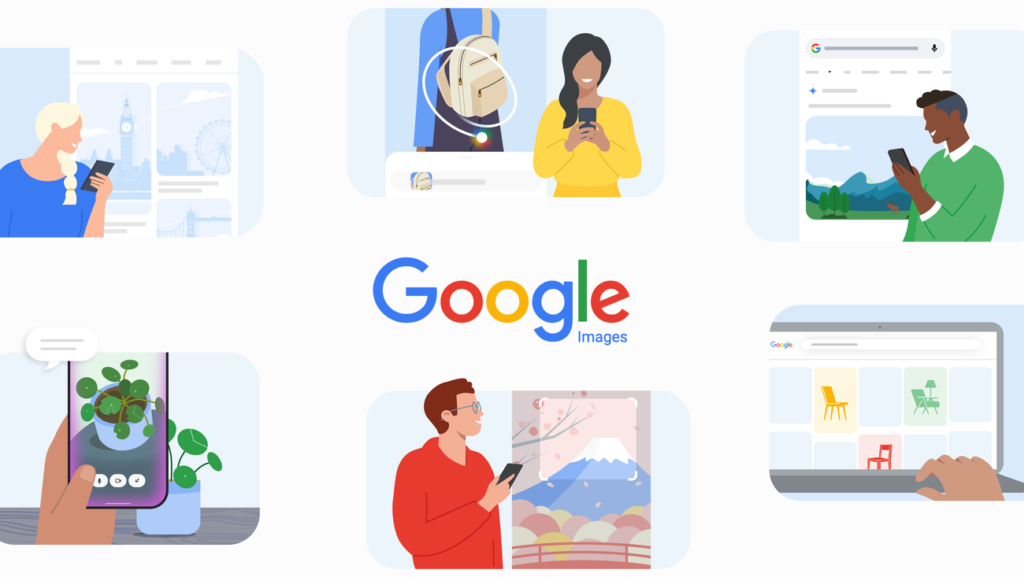
Google Images turns 25 this week. The service launched in July 2001, shifting search from text links to visual exploration. To mark the anniversary, Google is rolling out a new browsing interface and image generation directly inside AI Overviews.
New browsing interface and image generation
A fresh home page for Google Images opens with a dynamic gallery pulled from across the web. The feed updates in real time and adjusts to your interests. As you save items, tabs appear above the main gallery to track your collections. This feature launches on desktop in the U.S. for English users who sign into their Google Account.
You can now generate images inside AI Overviews. The system uses the latest Nano Banana model to turn text prompts into custom visuals. This function is available over the coming weeks in English for regions that already support image creation in AI Mode.
History of visual search
2001: Google Images
Google launched the service after Jennifer Lopez wore a green Versace dress in 2000. The standard search page offered only blue text links. Users wanted to see the dress, not just read about it. Google Images made it possible to search and explore visual content from the web.
2009: Similar Images
This feature allowed users to find pictures without relying solely on text. Searching for “bow” might return hair bows or arrows. Clicking a result and selecting “find similar images” showed more of what the user wanted without typing a new query.
2011: Search by Image
Users could upload an image or paste a URL directly into the search bar. The image acted as the search term. This helped identify the original source, track where a photo appeared online, or find visually similar content.
2018: Google Lens in Search
Google Lens let people use their smartphone camera to ask questions about the world. Users could identify objects, translate text, and find product links without typing a query.
2022: Multisearch in Lens
Users could search with text and images at the same time. A photo of a landmark paired with the text “what inspired this design” worked as a single query. Similarly, a picture of a dining table with the text “coffee table” found similar pieces for a home.
2024: Circle to Search
This tool lets users select anything on their Android phone screen to get more information. Gestures like circling, highlighting, scribbling, or tapping work to select items. The service is available on more than 580 million Android devices globally.
2025: Lens + AI Mode
Google combined the multimodal power of Lens with AI Mode in Search. Users can ask nuanced questions requiring deeper reasoning. Uploading or snapping a photo lets AI Mode process the entire scene. A “visual image fan-out” technique breaks a single image search into dozens of sub-queries to understand the visual context and deliver results.
2025: Search Live
Search Live lets users share their phone’s live camera feed while having an interactive voice conversation in AI Mode. Video input captures motion and the full context of the surroundings. This functions like a video call with Search, useful for help in the kitchen or troubleshooting equipment.
2025: Visual Results in AI Mode
Users can describe what they want in a conversational way to pull up a grid of visual inspiration and shoppable products. Asking for “barrel jeans that aren’t too baggy” instantly shows relevant items.
2026: Circle to Search Multi-Object Recognition
Circle to Search now explores multiple objects within a single image at once. The visual image fan-out technique allows users to deconstruct and shop for an entire outfit or search multiple items in one scene.
2026: Intelligent Search Box
The new search box lets users ask detailed questions about images and get a helpful AI Mode response. Tapping the plus icon uploads images, even multiple at a time, to ask whatever is on the user’s mind.
What it means
The updates move image generation and advanced browsing from external tools into the main search experience. Users no longer need to switch apps to generate visuals or browse curated galleries. The integration of AI Mode with Lens means a single interface handles text, images, and live video input for complex queries.
![Need reliable source for 30+ years of S&P 500 historical data for LSTM/Transformer research [P]](https://ai-maestro.online/wp-content/uploads/2026/05/need-reliable-source-for-30-years-of-s-p-500-historical-data-768x768.jpg)