“`html
Building an emoji list generator with the GitHub Copilot CLI
Every week, the GitHub team runs a stream called Rubber Duck Thursdays, where we build projects live, cowork with our community, and answer questions!
What is it?
In a lot of social media tweets and launches, you often see accounts post things like:
We shipped the most amazing emoji list generator ever. It:

- Works in the CLI
- Uses the Copilot SDK to intelligently convert your bullet points to relevant emoji
- Copies the result to the clipboard
It’s beautiful. But coming up with the perfect emoji is far too slow for me in this “move fast and break things” world. I have projects to build! Repos to vibe! Pull requests to merge! I can’t be thinking about emojis!
How we built it
We used a few cool technologies for this project:
@opentui/corefor the terminal UI@github/copilot-sdkfor the AI brainclipboardyfor clipboard access
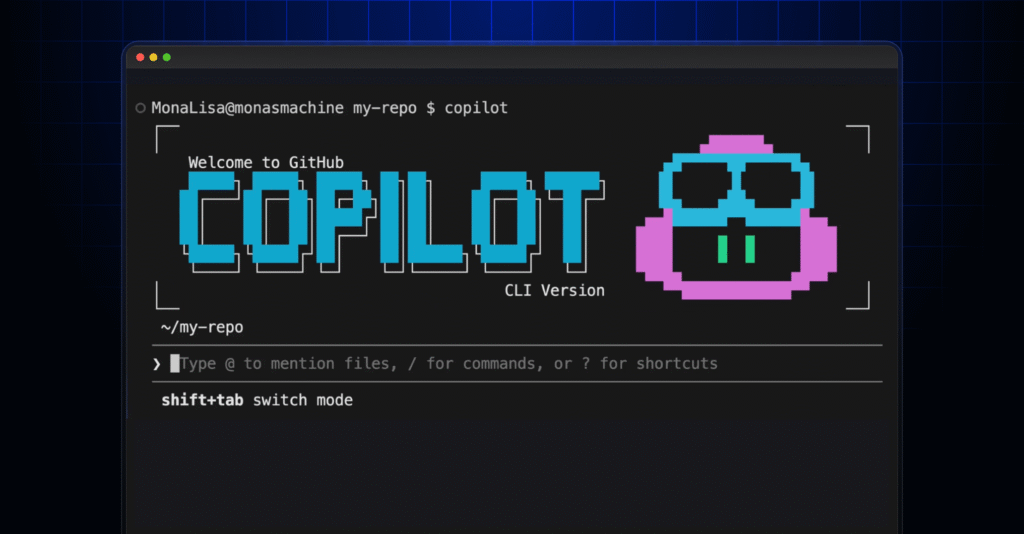
To start the project off, we opened up the GitHub Copilot CLI.
In plan mode using Claude Sonnet 4.6, we wrote:
I want to create an AI-powered markdown emoji list generator. Where, in this CLI app, if I paste in or write in some bullet points, it will replace those bullet points with relevant emojis to the given point in that list, and copies it to my clipboard. I'd like it to use GitHub Copilot SDK for the AI juiciness.
Copilot asked me a bunch of clarifying questions, for example around the tech stack and what libraries we should use (shoutout to Gabor in the chat for suggesting OpenTUI), and from there, we had a fully thought-out plan.md file for me to review and use!
We implemented the plan using Claude Opus 4.7 (which was recently released!) and a few minutes later, voilà, we had a fun little terminal UI to work with!