“`html
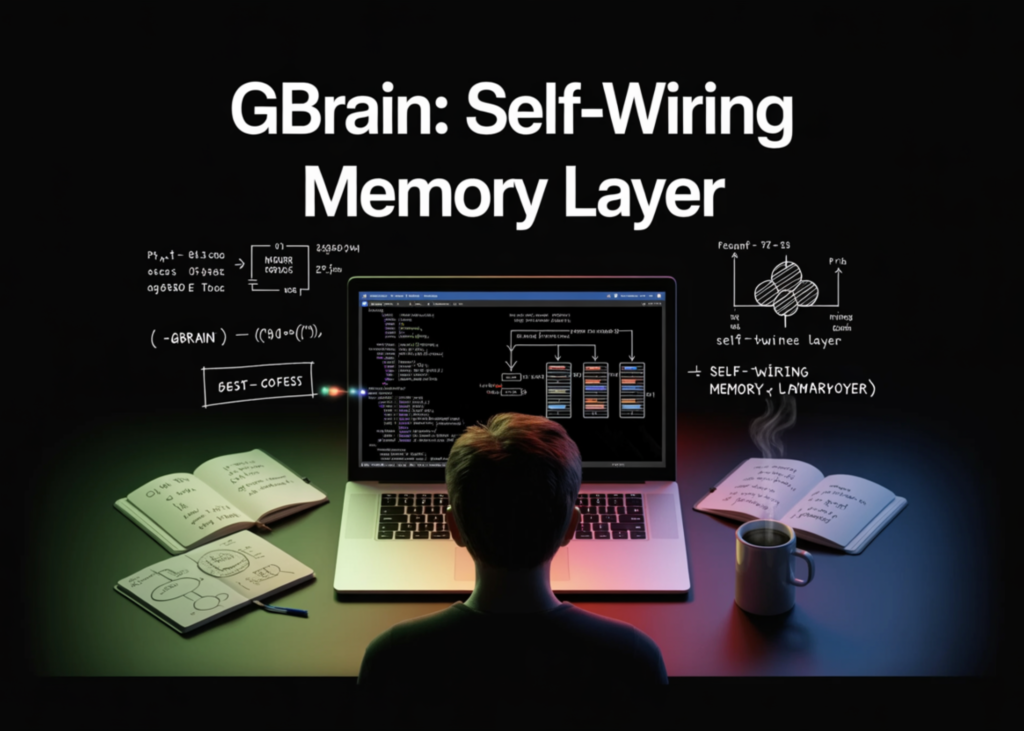
GBrain: A Self-Wiring Memory Layer for AI Agents
What You’re Building
You’ll have:
- A local
~/.gbrain/brain.pglitedatabase, embedded Postgres 17 (via WASM) with pgvector, no server config. - A small “brain repo” of markdown notes about people, companies, and concepts.
- A working hybrid-search CLI that combines vector + BM25 keyword + Reciprocal Rank Fusion (RRF), with a ZeroEntropy reranker on top by default.
- A typed knowledge graph (
works_at,founded,invested_in,attended,advises,mentions) auto-extracted from your notes. - An MCP server exposing 74 tools so Claude Code, Cursor, and Windsurf can read and write to the brain directly.
Prerequisites
- macOS or Linux (Windows users: use WSL2).
- A code editor.
- Bun ≥ 1.3.10 (the runtime GBrain ships on; the repo’s
package.jsondeclares this as the minimum engine). We’ll install it in Step 1. - An embedding API key from one of: ZeroEntropy, OpenAI, or Voyage. Without one, you can still install and run keyword search, but
gbrain query(hybrid + vector) will return no results. - Optional: an Anthropic API key for multi-query expansion during search.
Step 1, Install Bun and GBrain
To install GBrain:
bun install -g github:garrytan/gbrain

gbrain --version

# gbrain 0.38.2.0
Step 2, Initialize Your Brain
To initialize your brain:
gbrain init --pglite
This provisions a local PGLite database in ~/.gbrain/. PGLite is full Postgres compiled to WASM, no server, no Docker, ready in roughly two seconds.
Step 3, Create a Tiny Brain Repo
The brain repo is just a directory of markdown files. Each file follows GBrain’s compiled truth + timeline pattern: a current best-understanding section on top, an append-only evidence trail below.
- Note: wikilinks must use the full slug path (e.g.,
[[people/alice-chen]], not just[[alice-chen]]) for the graph extractor to resolve them. This is a real gotcha, I tested both forms; the short form silently produces zero links. - Create a person page:
mkdir -p ~/my-brain/people ~/my-brain/companies ~/my-brain/concepts

cd ~/my-brain
To create a person page:
cat > people/alice-chen.md <<'EOF'

---

type: person

title: Alice Chen

tags: [founder, ai-infra]

---
Founder and CEO of [[companies/acme-ai]]. Previously staff engineer at
Google Brain. Focus area: inference optimization for small language models.
---
- 2024-03-12: Met at AI Engineer Summit. Discussed sparse MoE routing.
- 2024-09-04: Announced $12M seed led by Sequoia.
- 2025-01-18: Shipped open-source inference router on GitHub.
EOF